





Business productivity is a challenge in today’s world
In December, Dr. Gloria Mark at the Department of Informatics at the University of California at Irvine was interviewed about her research that reveals the average American worker is interrupted every three minutes, and it may take as long as 23 minutes to get back on track.
Dr. Mark said that with the proliferation of information today, and the unprecedented access people have to more people and information, the question is not how distracted we are, but how could we not be distracted?
In that spirit, professionals are desperately seeking ways to improve their productivity levels and maintain focus. There are a variety of ways to do just that, and these seven tools are helpful ways to boost your business productivity:
1. Calendar Paste App

Calendar Paste allows you to save all those inconsistent calendar events for future use, meaning you don’t have to type them in each time. Instead, when they come up again, you can just paste them right into your calendar. It’s a simple app, but its simplicity is what makes it work so well for those looking for a shortcut, even a shortcut that will only save them a few seconds for each event. If your events are similar but not exact, you can create templates for future use.

2. HelloSign for Gmail
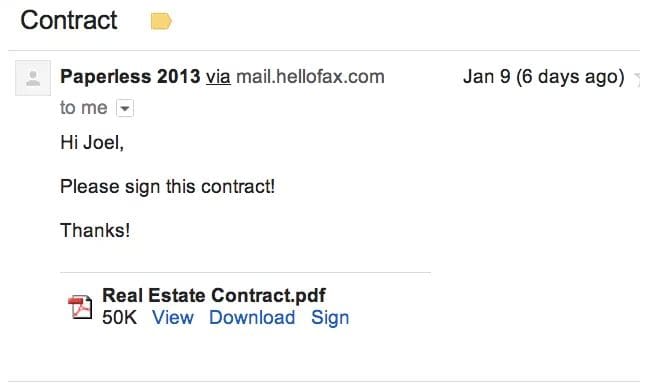
HelloSign now offers eSignatures that are legally binding right from within Gmail, where users can edit and sign documents without leaving their Gmail account. This tackles the massive pain point with eSignatures by eliminating the need to download a document and upload it to another site or service to edit or add signatures.

3. Small Call for Android
Small Call is genius. People know when you ignore them on your phone because it stops ringing at an odd number of rings, then suddenly they are in y our voicemail, but Small Call for Android lets you hit ignore, then the call will continue ringing and go to voicemail like normal, without the person ever knowing they were ignored. Stay focused at work without being rude.
4. Fancy Hands for Admin Tasks

Fancy Hands pitches their services as “a team of assistants ready to work for you now for less than $1 a day. Do what you love. We’ll do the rest.” How much of your day is dominated by menial tasks that you could easily delegate? How much money do you have set aside for an executive assistant or virtual assistant? If your answer to the first question was “a lot” and the second was “only a little,” Fancy Hands is worth a look.
5. Harvest Time Tracking
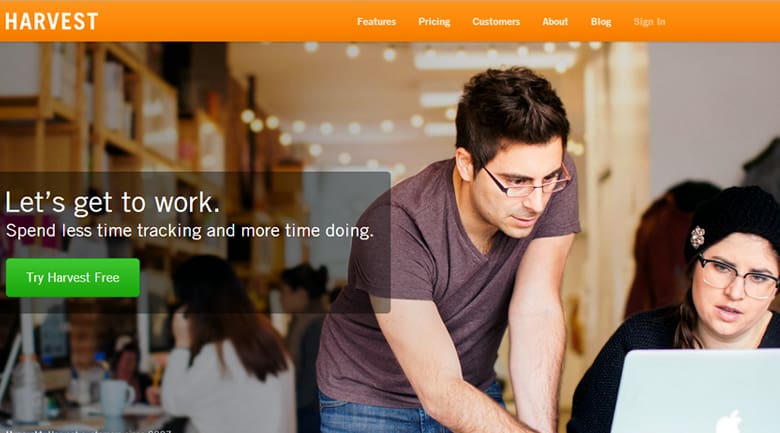
Harvest lets you track your time and invoice clients with minimal effort, streamlining any busy professional’s day. Harvest focuses on providing simple to use web-based software for professional services and is accessible from a variety of platforms and devices including web browsers, desktop widgets, iPhone, Twitter, and SMS.
6. Mon.ki Social Context Tool
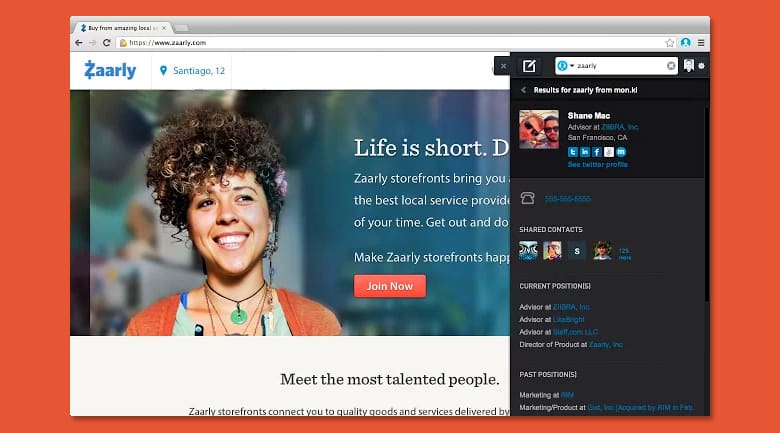
Still new, mon.ki was designed as a Google Chrome browser to help users discover valuable connections when on a website, calling itself a “social compass,” so that when you visit a site about the Paleo Diet, the extension shows you not only who is talking about the site, but allows you to tweet to liked minds or retweet those interactions from the sidebar without ever having to leave the site. Save time by getting valuable context without having to research endlessly.
7. Call Bliss Call Screener
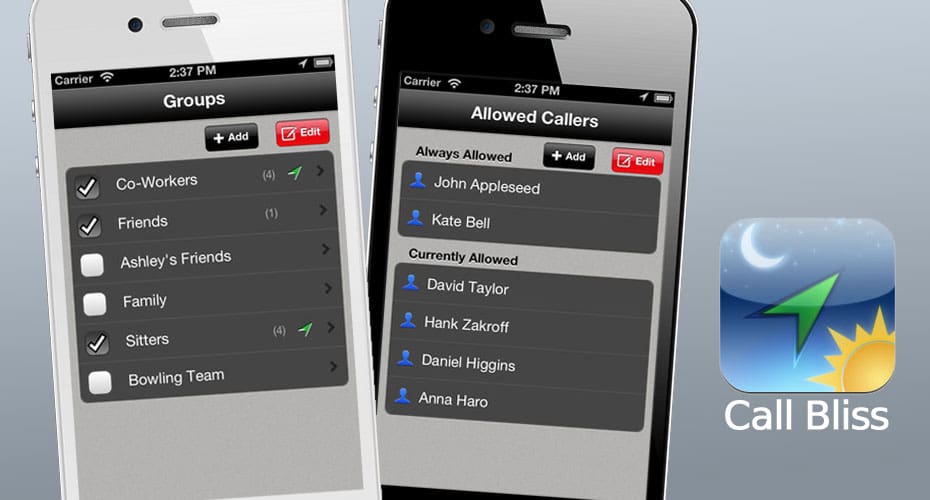
If you have an iPhone, you’ve probably experimented with the Do Not Disturb feature. The problem is that this silences all calls, even the important ones. But there’s a way to remedy this problem, and it involves downloading the Call Bliss app. Call Bliss lets you personalize the Do Not Disturb feature to match your professional and personal needs. Call Bliss is essentially a digital assistant that screens your calls when you need it the most.

8. NeedTo for Any Task

NeedTo acts as a matchmaker for everything from simple services to repetitive tasks with providers that are sometimes unemployed and freelancing or are part time at their service job. The company’s slogan is “ending unemployment,” and you can hire people per job to courier items, do research, organize your office, or simply take care of personal tasks so you have more time to focus at work.


