Tuesday, February 3, 2026

Unlock AG Pro Today

Why Now?

AG Pro gives you sharp insights, compelling stories, and weekly mind fuel without the fluff. Think of it as your brain’s secret weapon – and our way to keep doing what we do best: cutting the BS and giving you INDEPENDENT real talk that moves the needle.

Limited time offer: $29/yr (regularly $149)
✔ Full access to all stories and 20 years of analysis
✔ Long-form exclusives and sharp strategy guides
✔ Weekly curated breakdowns sent to your inbox

We accept all major credit cards.

Pro

/ once per week

Get everything, no strings.

AG-curious? Get the full-access version, just on a week-to-week basis.
• Unlimited access, no lockouts
• Full Premium archive access
• Inbox delivery + curated digests
• Stop anytime, no hoops

$
7
$
0

Get your fill of no-BS brilliance.

Pro

/ once per year

All in, all year. Zero lockouts.

The best deal - full access, your way. No timeouts, no limits, no regrets.
A year for less than a month of Hulu+
• Unlimited access to every story
• Re-read anything, anytime
• Inbox drop + curated roundups

$
29
$
0

*Most Popular

Full access, no pressure. Just power.

Free
/ limited

Useful, just not unlimited.

You’ll still get the goods - just not the goodest, freshest goods. You’ll get:
• Weekly email recaps + curation
• 24-hour access to all new content
• No archive. No re-reads

Free

Upgrade later -
we’ll be here!

Unlock AG Pro Today

Why Now?

AG Pro gives you sharp insights, compelling stories, and weekly mind fuel without the fluff. Think of it as your brain’s secret weapon – and our way to keep doing what we do best: cutting the BS and giving you INDEPENDENT real talk that moves the needle.

Limited time offer: $29/yr (regularly $149)
✔ Full access to all stories and 20 years of analysis
✔ Long-form exclusives and sharp strategy guides
✔ Weekly curated breakdowns sent to your inbox

We accept all major credit cards.

Pro

/ once per week

Get everything, no strings.

AG-curious? Get the full-access version, just on a week-to-week basis.
• Unlimited access, no lockouts
• Full Premium archive access
• Inbox delivery + curated digests
• Stop anytime, no hoops

$
7
$
0

Get your fill of no-BS brilliance.

Pro

/ once per year

All in, all year. Zero lockouts.

The best deal - full access, your way. No timeouts, no limits, no regrets.
A year for less than a month of Hulu+
• Unlimited access to every story
• Re-read anything, anytime
• Inbox drop + curated roundups

$
29
$
0

*Most Popular

Full access, no pressure. Just power.

Free
/ limited

Useful, just not unlimited.

You’ll still get the goods - just not the goodest, freshest goods. You’ll get:
• Weekly email recaps + curation
• 24-hour access to all new content
• No archive. No re-reads

Free

Upgrade later -
we’ll be here!

Popular Mailbox app: revolutionary or overly hyped?

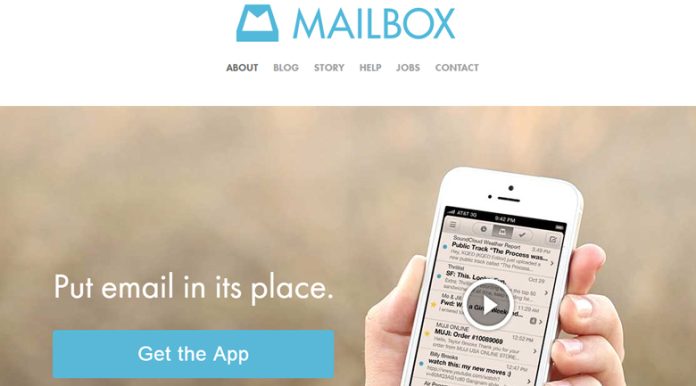
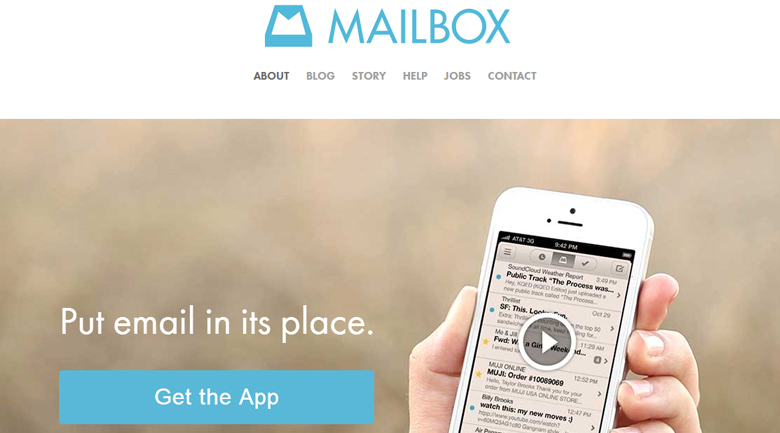
Mailbox app makes email much simpler

In March 2013, Dropbox became the owner of an app called Mailbox. Available for the iPhone, iPad and Gmail users, quite simply, this app is meant to simplify your device’s email capabilities. Of course, there’s only so much you can ask for from a simple app and at its best, the Mailbox app is useful in a couple ways but still can’t compete with other more robust offerings like Mailstrom, for dealing with emails in bulk.

Easy use with minimal effort

Simple interface and swiping capabilities make it easy to deal with your emails albeit only one at a time. When compared with Gmail’s iPhone app, Mailbox is easier for dealing with individual emails but not so much when dealing with existing folders.

Mailbox doesn’t automatically carry your existing folders into its application but simply offers the ability to archive, delete and set reminders or put into a list with simple swipes.

The ability required is minimal and anyone comfortable using a smartphone or tablet will immediately understand the capabilities after the 30 second tutorial. Mailbox also allows you the option to manage multiple Gmail accounts within the app.

Limited to individual emails

Mailbox is limited to dealing with individual emails at one time, which is a major drawback for users with a large volume of emails to go through each day (for example, almost any business person in the world). The interface isn’t necessarily better than any of the other email management apps out there, in particular Gmail’s.

Overall, because of the folder limitations, there is less functionality even though Mailbox looks very similar. Simply put, if you combined the swipe capabilities and snooze function into Gmail, you’d have almost the same app.

Most importantly; however, are the search limitations. When searching for an email in the Mailbox app using a name, search results are much more limited than those within the native application for Gmail. In a test on both Gmail and Mailbox, results in Gmail showed 20 results (including 4 from the sent folder) but Mailbox only showed 11 results and none of the more recent emails that were unfiled.

So, hype or revolution?

Interesting concept but a bit underwhelming overall when you dive below the fanfare. For some users, who use email recreationally this app will be great, for other, more sophisticated users and those using for business, less so. While Mailbox’s aim is to “change how we interact with email… and put email in its place,” it’s relatively minor changes overall.

Charity Kountzhttps://charitymarie.com/
Charity Kountz is an award-winning fiction and nonfiction author as well as a Realtor and certified Paralegal. Her writing has been featured in Coldwell Banker, iPhone Life, Strategy magazine, Duck Soup magazine, and more.

1 COMMENT

Subscribe
Notify of
wpDiscuz
1
0
What insights can you add? →x
()
x
Exit mobile version
