Friday, December 26, 2025

Unlock AG Pro Today

Why Now?

AG Pro gives you sharp insights, compelling stories, and weekly mind fuel without the fluff. Think of it as your brain’s secret weapon – and our way to keep doing what we do best: cutting the BS and giving you INDEPENDENT real talk that moves the needle.

Limited time offer: $29/yr (regularly $149)
✔ Full access to all stories and 20 years of analysis
✔ Long-form exclusives and sharp strategy guides
✔ Weekly curated breakdowns sent to your inbox

We accept all major credit cards.

Pro

/ once per week

Get everything, no strings.

AG-curious? Get the full-access version, just on a week-to-week basis.
• Unlimited access, no lockouts
• Full Premium archive access
• Inbox delivery + curated digests
• Stop anytime, no hoops

$
7
$
0

Get your fill of no-BS brilliance.

Pro

/ once per year

All in, all year. Zero lockouts.

The best deal - full access, your way. No timeouts, no limits, no regrets.
A year for less than a month of Hulu+
• Unlimited access to every story
• Re-read anything, anytime
• Inbox drop + curated roundups

$
29
$
0

*Most Popular

Full access, no pressure. Just power.

Free
/ limited

Useful, just not unlimited.

You’ll still get the goods - just not the goodest, freshest goods. You’ll get:
• Weekly email recaps + curation
• 24-hour access to all new content
• No archive. No re-reads

Free

Upgrade later -
we’ll be here!

Unlock AG Pro Today

Why Now?

AG Pro gives you sharp insights, compelling stories, and weekly mind fuel without the fluff. Think of it as your brain’s secret weapon – and our way to keep doing what we do best: cutting the BS and giving you INDEPENDENT real talk that moves the needle.

Limited time offer: $29/yr (regularly $149)
✔ Full access to all stories and 20 years of analysis
✔ Long-form exclusives and sharp strategy guides
✔ Weekly curated breakdowns sent to your inbox

We accept all major credit cards.

Pro

/ once per week

Get everything, no strings.

AG-curious? Get the full-access version, just on a week-to-week basis.
• Unlimited access, no lockouts
• Full Premium archive access
• Inbox delivery + curated digests
• Stop anytime, no hoops

$
7
$
0

Get your fill of no-BS brilliance.

Pro

/ once per year

All in, all year. Zero lockouts.

The best deal - full access, your way. No timeouts, no limits, no regrets.
A year for less than a month of Hulu+
• Unlimited access to every story
• Re-read anything, anytime
• Inbox drop + curated roundups

$
29
$
0

*Most Popular

Full access, no pressure. Just power.

Free
/ limited

Useful, just not unlimited.

You’ll still get the goods - just not the goodest, freshest goods. You’ll get:
• Weekly email recaps + curation
• 24-hour access to all new content
• No archive. No re-reads

Free

Upgrade later -
we’ll be here!

Notism: a new way to collaborate for creatives

Notism: collaborating tool for creative pros

Notism is appealing to all different careers paths: UX Guerrillas, designers, IT people, copywriters, advertisers, and everyone else as well. Notism works across all browsers and OS because it uses HTML5. When you get started with Notism, you will be able to receive live feedback from team members and stakeholders right where the magic happens and iterate faster. Comment with a sketch, freehand and create prototypes; quickly and easily.

How do you get started?

To get started with Notism, you simply need to sign up or log in with your Google account to get started. Signing up is free during beta testing. Once you are signed up you will notice there is already a sample project in your account to help get you started and familiarize yourself with the features. Currently you are able to create one hundred different projects, although this will change when beta testing is over.

To begin creating, simply start a new project and drag-and-drop some images. Each image you upload will then become an individual slide in your presentation. You can rename them or move them around after you upload. Once you have all the images uploaded you need for your project, the fun part begins.

There is a plethora of options you can use to make it easier for yourself, your team, and your client to review, discuss, and approve a project. Each comment can have an attachment, with files up to 1GB. You can places notes anywhere you want on an image, comment on them, and assign them different categories. And each category can have a different color.

Additional features

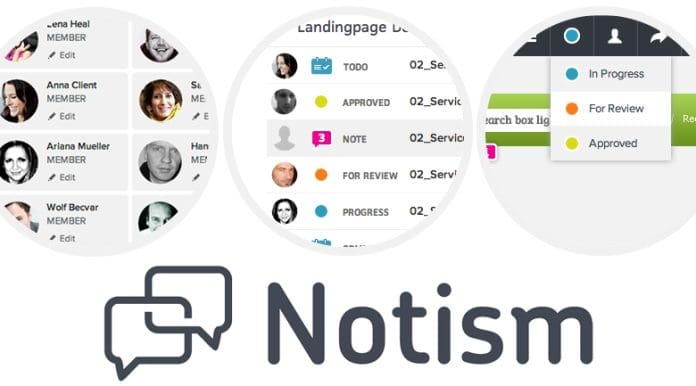
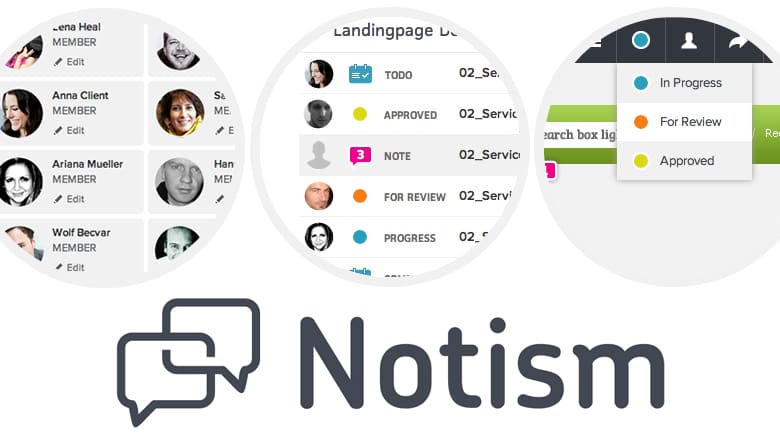
The “Dashboard” provides you with an overview of the most important project activities: new notes, new to-dos, and new comments, as well as, the status of a screen which is up for review, in progress, or has finally been approved. Your teams and client will be kept in the loop and constantly notified about new comments or tasks waiting for approval, allowing everyone to discuss changes in real-time.

Also, you can add hotspots to an image, allowing you to link to another slide. Based on the comments, you can create a to-do list. Allowing you to see what needs to be completed and who suggested it. There are many other options you can choose from, but you will have to explore those on your own. Once you have finished editing comments, you can begin assigning reviewers and editors, as needed. You will have to leave your current project to invite people to view it, which is something I hope after beta testing.

Overall, the app is quite effective with a full array of features, but with so many other apps in the multi-taking app field, I will be interested to see how it does. Right now, you can sign up for a free 21-day trial, so give it a try and let us know what you think.

Jennifer Walpole, Sr. Staff Writer
Jennifer Walpole is a Senior Staff Writer at The American Genius and holds a Master's degree in English from the University of Oklahoma. She is a science fiction fanatic and enjoys writing way more than she should. She dreams of being a screenwriter and seeing her work on the big screen in Hollywood one day.
Subscribe
Notify of
wpDiscuz
0
0
What insights can you add? →x
()
x
Exit mobile version
