
Good Ol’ Blogging 1.0
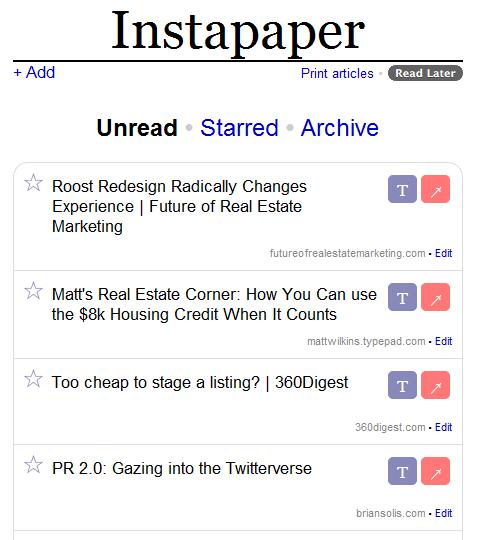
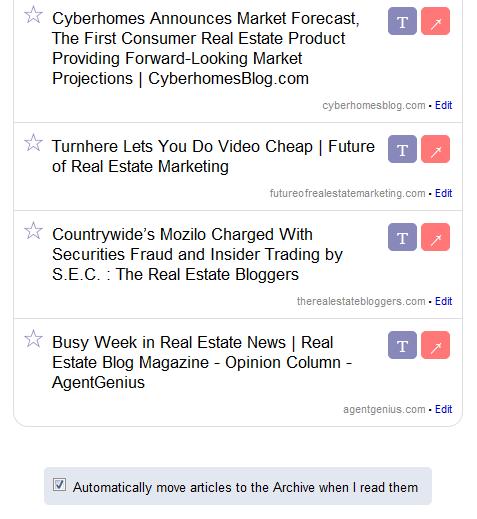
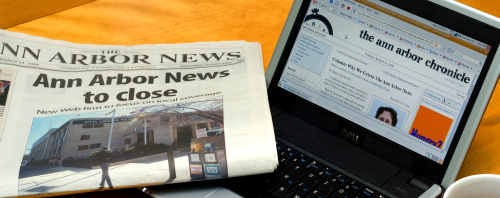
Once upon a time, people read blogs in a format called a newspaper that they could pick up and take anywhere with them. In the spirit of adoration for all things vintage, we wanted to show you a cool new web application (or web app if you’re looking to be hip) called InstaPaper that allows you to bookmark articles then print them all at once in three-column format sans pictures.
They admit it’s pre-beta, very shaky and really just for entertainment but I’m thinking this is cool for when you know you’re going to be on a trip without wifi- print up the pdf of all of the articles you want to catch up on OR pull the pdf on to your Kindle or eBook reader and read while you’re at an empty Open House or in line at the DMV.
Tips/ Notes:
- Use Firefox or Safari, it doesn’t play well with Internet Explorer.
- It doesn’t print any article it has difficulty with, so about 60% of articles I bookmarked actually print.
- If you don’t have Adobe PDF Creator or Reader, it may be tough to use.
- It prints up a bunch of extra stuff, for example I got two pages worth of Brian Solis’ speaking experience and I got the menu bar when I printed AG articles.
- Instapaper has an iPhone/iPod Touch app that I hear is wicked, let me know if you try it!
Clean Interface: