Wednesday, April 1, 2026

Unlock AG Pro Today

Why Now?

AG Pro gives you sharp insights, compelling stories, and weekly mind fuel without the fluff. Think of it as your brain’s secret weapon – and our way to keep doing what we do best: cutting the BS and giving you INDEPENDENT real talk that moves the needle.

Limited time offer: $29/yr (regularly $149)
✔ Full access to all stories and 20 years of analysis
✔ Long-form exclusives and sharp strategy guides
✔ Weekly curated breakdowns sent to your inbox

We accept all major credit cards.

Pro

/ once per week

Get everything, no strings.

AG-curious? Get the full-access version, just on a week-to-week basis.
• Unlimited access, no lockouts
• Full Premium archive access
• Inbox delivery + curated digests
• Stop anytime, no hoops

$
7
$
0

Get your fill of no-BS brilliance.

Pro

/ once per year

All in, all year. Zero lockouts.

The best deal - full access, your way. No timeouts, no limits, no regrets.
A year for less than a month of Hulu+
• Unlimited access to every story
• Re-read anything, anytime
• Inbox drop + curated roundups

$
29
$
0

*Most Popular

Full access, no pressure. Just power.

Free
/ limited

Useful, just not unlimited.

You’ll still get the goods - just not the goodest, freshest goods. You’ll get:
• Weekly email recaps + curation
• 24-hour access to all new content
• No archive. No re-reads

Free

Upgrade later -
we’ll be here!

Unlock AG Pro Today

Why Now?

AG Pro gives you sharp insights, compelling stories, and weekly mind fuel without the fluff. Think of it as your brain’s secret weapon – and our way to keep doing what we do best: cutting the BS and giving you INDEPENDENT real talk that moves the needle.

Limited time offer: $29/yr (regularly $149)
✔ Full access to all stories and 20 years of analysis
✔ Long-form exclusives and sharp strategy guides
✔ Weekly curated breakdowns sent to your inbox

We accept all major credit cards.

Pro

/ once per week

Get everything, no strings.

AG-curious? Get the full-access version, just on a week-to-week basis.
• Unlimited access, no lockouts
• Full Premium archive access
• Inbox delivery + curated digests
• Stop anytime, no hoops

$
7
$
0

Get your fill of no-BS brilliance.

Pro

/ once per year

All in, all year. Zero lockouts.

The best deal - full access, your way. No timeouts, no limits, no regrets.
A year for less than a month of Hulu+
• Unlimited access to every story
• Re-read anything, anytime
• Inbox drop + curated roundups

$
29
$
0

*Most Popular

Full access, no pressure. Just power.

Free
/ limited

Useful, just not unlimited.

You’ll still get the goods - just not the goodest, freshest goods. You’ll get:
• Weekly email recaps + curation
• 24-hour access to all new content
• No archive. No re-reads

Free

Upgrade later -
we’ll be here!

Why your Facebook photos are fuzzy, how to fix them

Facebook photos don’t have to be fuzzy

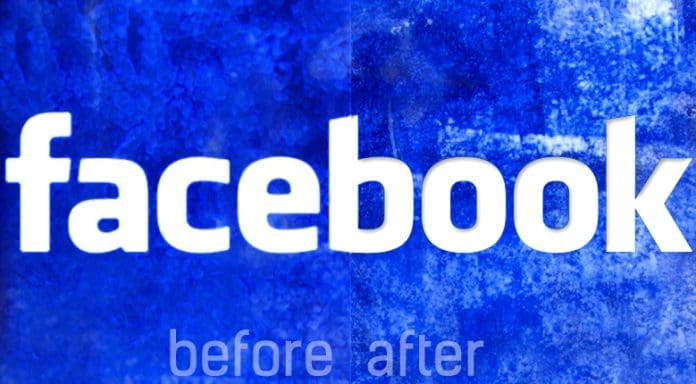
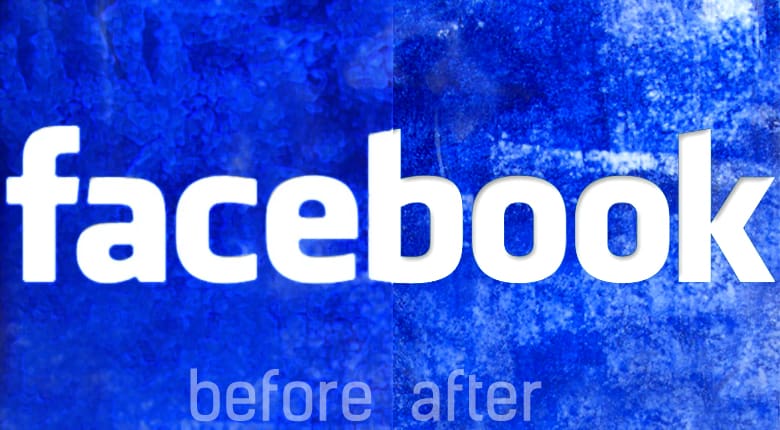
A huge problem with Facebook is that you upload a beautiful photo for your profile picture or a cover photo on your page to represent the awesomeness that is your brand, but when it is live for all to see, it has somehow become grainy. You’ve tried everything, even downloading free cover photos from services, thinking that would help, but as in the before/after image above, there is a distinct difference between what you see before and after you download your image to Facebook.

No matter the type of photo, you can do something about this. We gave you some pointers last year that improved the process but did not perfect it. AGBeat reader and designer Michael Bacon noticed that the images were still slightly fuzzy. We all know fuzzy leaves a bad first impression, especially if your industry is one that involves anything creative or marketing – you’re supposed to know how to put your best foot forward.

And now for the fix:

That said, Bacon discovered a way to fix fuzzy photos. He tells AG, “Facebook uses JPG compression of about ‘5’ in the quality setting which crunches the image up and is more the culprit as to why things look fuzzy / bad. What I have found is if you save your image from an image editing application like photoshop and don’t use the highest setting of “12” when you save the image JPG, rather save it to “10” FB seems to leave the compression setting alone and use the higher compression format.”

Bacon added, “I just did this with a cover image that was really high contrast / high color and it worked just fine. I had used the same image with its highest quality settings and exact pixel resolution for the FB cover image and it crunched it horribly… the “10” setting does add a little compression artifacting, but it’s pretty negligible and retains most of the image information. Seems like that’s the best way to get around the FB re-compression when uploading.”

Genius!

Marti Trewe
Marti Trewe reports on business and technology news, chasing his passion for helping entrepreneurs and small businesses to stay well informed in the fast paced 140-character world. Marti rarely sleeps and thrives on reader news tips, especially about startups and big moves in leadership.

10 COMMENTS

Subscribe
Notify of
wpDiscuz
10
0
What insights can you add? →x
()
x
Exit mobile version
