


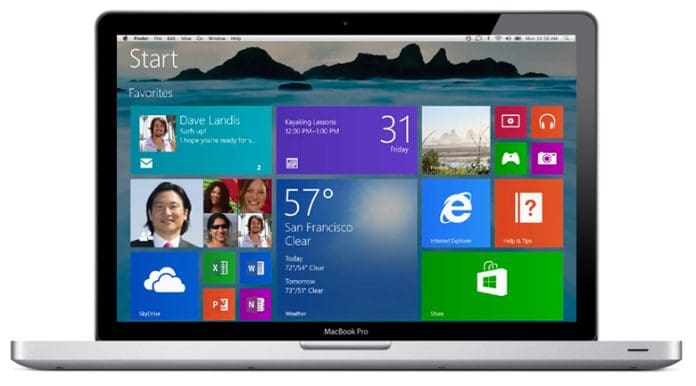
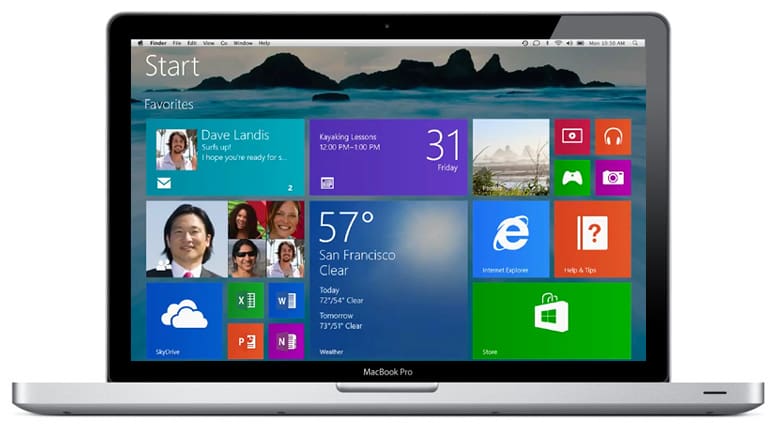
Windows on your Mac – yes, it’s possible
If you’re a Mac user, you’ve probably seen some of the cool things that Windows 8.1 can do, but you are in love with your Mac and aren’t willing to part with it. You may not have to, as there are options out there that allow you to run Windows right from your Mac. Maybe you’re one of the people who already use Windows on your Mac but hate that you have to restart your computer to relaunch in Windows mode – we’ve hunted down an option that overcomes this objection.
Apple computers already come with Bootcamp which allows you to install Windows on a Mac, but you have to restart to use Windows and access the tools that are built only for Windows. Enter VMWare Fusion 6 which allows you to use Windows without ever restarting. Bingo.
We haven’t tested the software out, but according to their site, it launches Windows right inside a separate window on any Mac desktop. VMware Fusion operates on any 64-bit capable Intel Mac using OS X 10.7 or later, requiring a minimum of 4GB of RAM, and it does require a monstrous 750MB of disk space.
Copy and paste and drag and drop
Fusion runs Windows OS in full screen mode, or in a separate window, and files can be dragged and dropped from your Windows desktop to the Mac Finder and from Mac to Windows. Copy and paste works between the operating systems as well, allowing you to fully use all of the features of Mac or Windows apps.
VMware Fusion also offers Unity mode wherein the Fusion window and Windows desktop spaces disappear, and opened Windows applications appear right there on your Mac desktop right alongside OS X apps. The bottom line is that you never have to leave OS or Windows to access one or the others – they’re both right there inside of your beloved Mac!
Users have said in reviews that it is easy to set up and works reliably. The price tag is is currently $49.99 and there are less expensive upgrade options for current VMware users.

