Staying on task
 Regardless of where I am working, I have a nasty habit of not checking my watch or looking at a wall clock or even my cell phone and if you’re a blogger, you know that time on the computer can pass by extremely quickly. Another habit I have is to have multiple tabs open at the same time, so I “ctrl + T” hundreds of times every day.
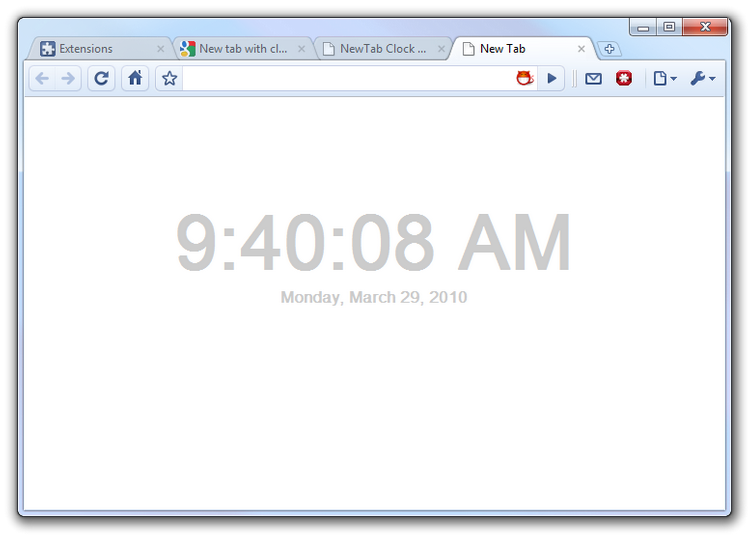
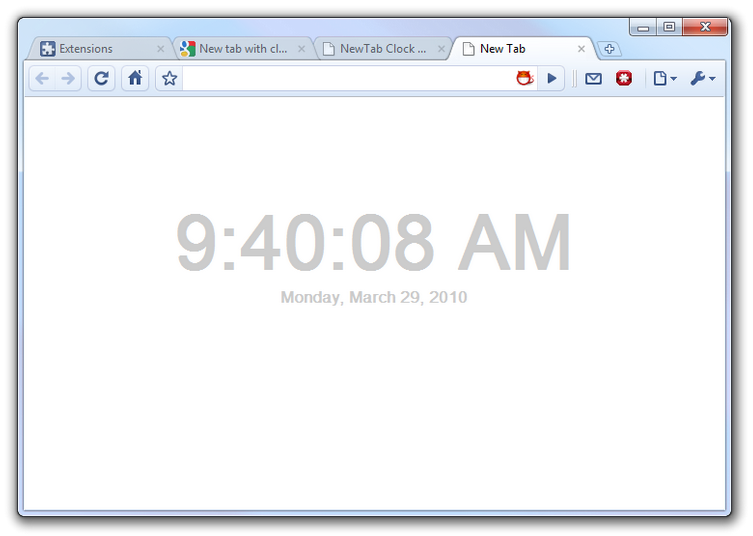
If you combine those two habits into one and make it an opportunity to be reminded of the time without a separate popup or having to glance anywhere you aren’t already looking, the Google chrome “new tab with clock” extension is perfect. Simply open a new tab and you’re given the time and date down to the second. When installing, it already knows your timezone and everything, no info is required from you.
You can however go into the “options” of the extension and tell it whether you want standard time or 24 hour time, it can show the date or simply be a basic clock, and if you know CSS, you can even have an “alternate” design for your new tab’s clock.