Making Posterous even better
 Blogging platform Posterous‘ recently announced upgrades to their editor includes features such as uploading any kind of photos, music, videos or docs in one batch from the web editor, drag and drop image reordering, and the ability to combine image galleries.
One of Posterous’ shortfalls has been its web editor while it reigns supreme in its post from email functionality, but this new announcement appears to change that as Posterous starts to look like a more full suite blogging platform with emphasis on blogging via mobile.
Browser extensions make Posterous even better
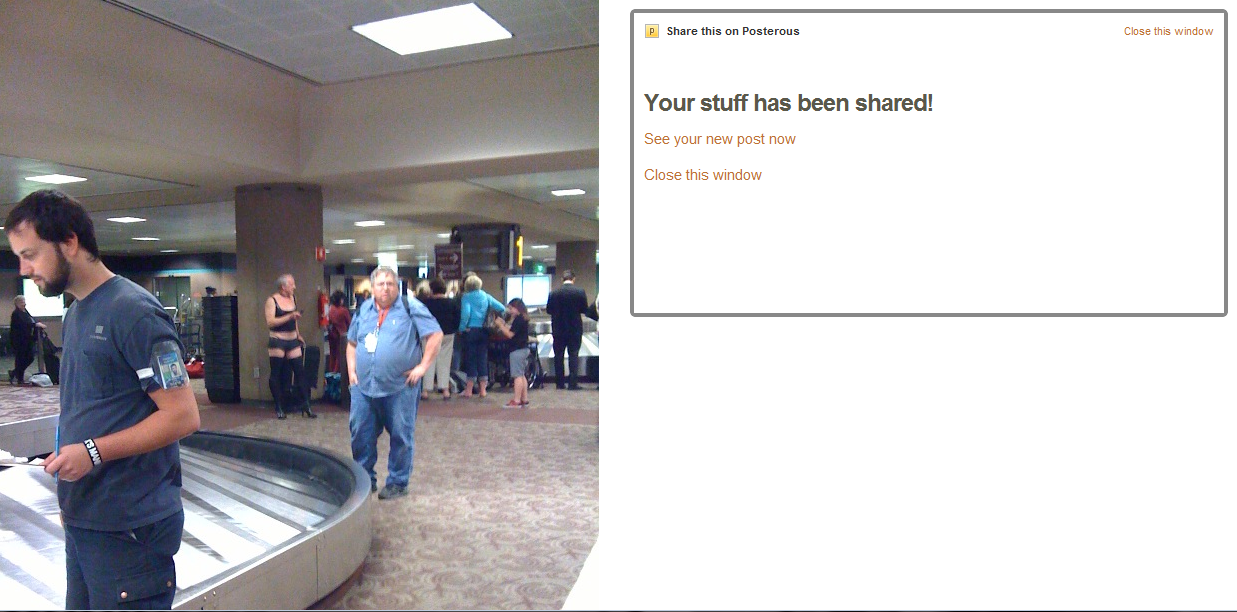
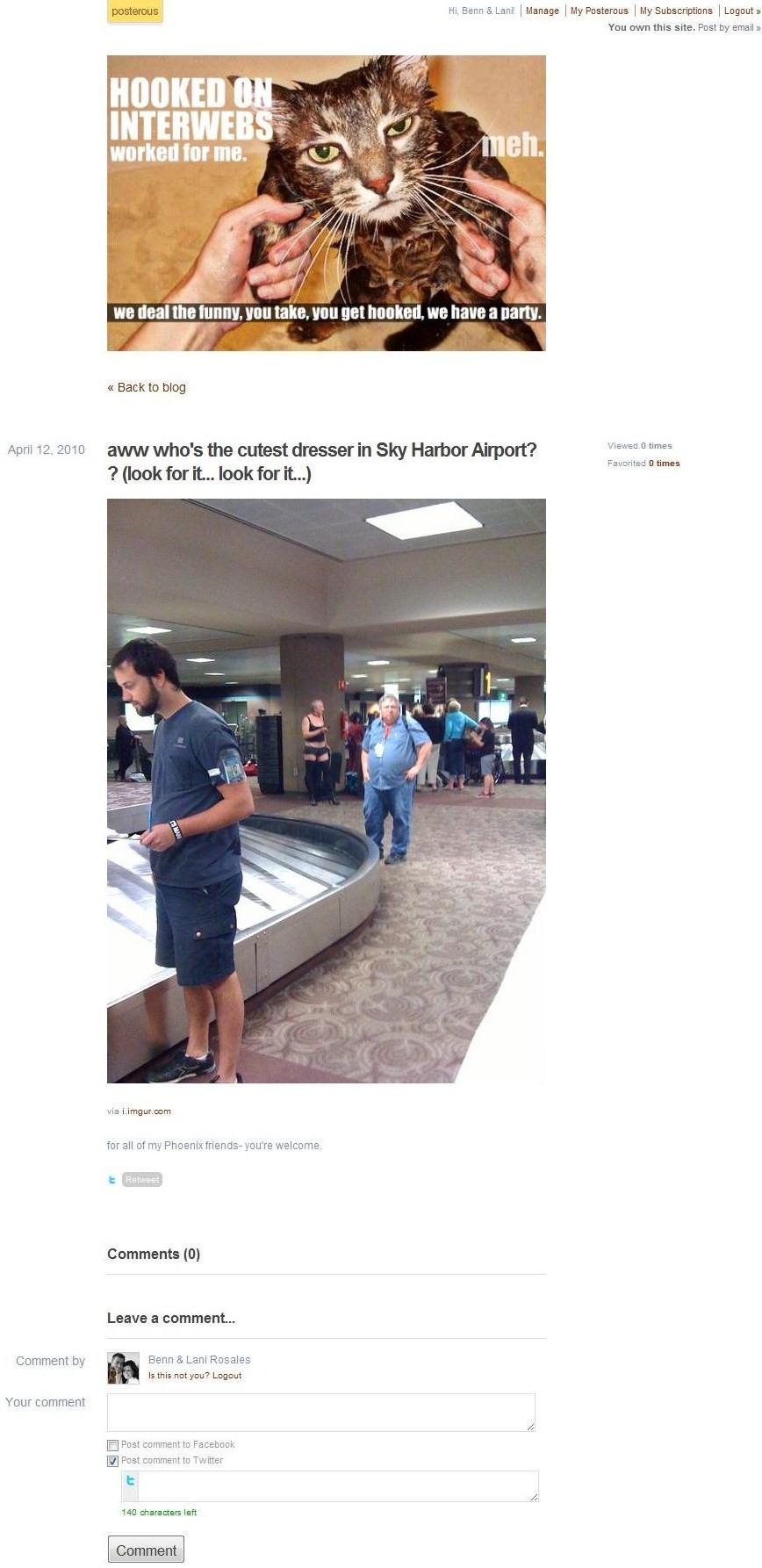
If the news of the new web editor doesn’t get you excited, browser extensions should because it’s an even faster option than editing via the web. With this Google Chrome extension or this Firefox addon, after a quick installation, a button is installed in your bookmark toolbar and with one click of the button, you can share images or other media from any other website (caveat: beware of creative commons and licensing issues).
Here is how it works after you push the button:
Note: images below are from our personal (sometimes crude) humor blog, HookedOnInterwebs.com– this is just a demonstration, we don’t suggest you do a real estate blog with this style. Also, click any image to enlarge.