


Upping your Instagram game
Instagram has enjoyed widespread popularity since its launch in 2010, largely because amateur photographers can improve their images with dozens of filters with intriguing names like “Valencia” and “Mayfair.” Filters allow even mediocre photographers using nothing more than a camera phone to mask these flaws and create artsy, professional-looking images.
In fact, filters have become so popular with novices that is has inspired the hashtag #nofilters amongst photography snobs with something to prove.

Until recently, Instagram users have been limited to preset filters, having no option to create or save filters of their own. Shift is an app that has been available for some time now on iPhone, and was just released for Android as well.
Create your own filters
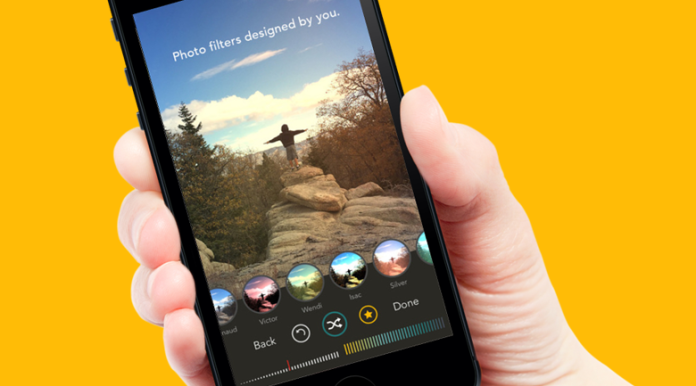
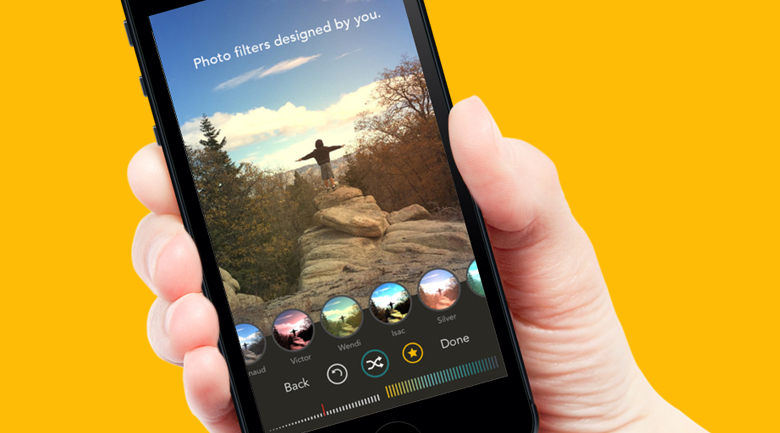
Shift allows you to create custom filters and save them to use on photographs in the future. By adjusting effects, color, and the filter level, users have a lot of creative freedom to experiment. The interface is very user-friendly and intuitive, and you can always “undo” a change. Changes to the filter are displayed instantly on the photograph you are working with, so you can play around with different effects and see directly how they will alter the image.
Shift does not have its own photo-sharing platform, and actively encourages users to take their completed images over to Instagram.
Save, share, improve
While you can save your personal filters to use for future photographs, unfortunately you cannot share your filters with your friends. If you like someone else’s custom filter, there is no way of knowing the steps they took to create it. That means you’ll have to use your own creativity and aesthetic sense to make your images look exactly how you want them.
For folks who aren’t quite professional photographers, but who want a little bit more creative control over their images than they can get from preset filters, custom filters from Shift seems like a great way to play.

