


Think outside the box
Although it’s not a screensaver, Visible Tweets can be a really cool way to showcase yourself without being over the top.
People typically play with this tool for thirty seconds then go back to what they’re doing, but here’s one way you can actually implement it as a tool, here’s how you can use it- it’s free, takes about thirty seconds to set up and will make you look like a super tech savvy guru:
- Go to VisibleTweets.com and in the top bar, enter whatever term you want the system to search Twitter for and display them. For example, “@LaniAR awesome” will show anything said on Twitter that includes those two terms.
- On the top bar of the page, click “Animation” and select your favorite kind. I suggest rotation as it is the cleanest looking.
- When you’re at work and going to lunch, hover your mouse over the bottom right of the screen and click “Go Full Screen” and it creates a custom screensaver with changing colors that doesn’t go away with a moving mouse, only with the “escape” button- it’s all about your chosen search term!
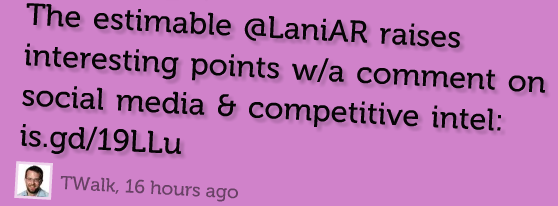
Some Screenshots:


What other uses can you think of for this? I’m thinking putting it up on a screen at a conference with a search of the conference hashtag would be cool, what else can you add?

