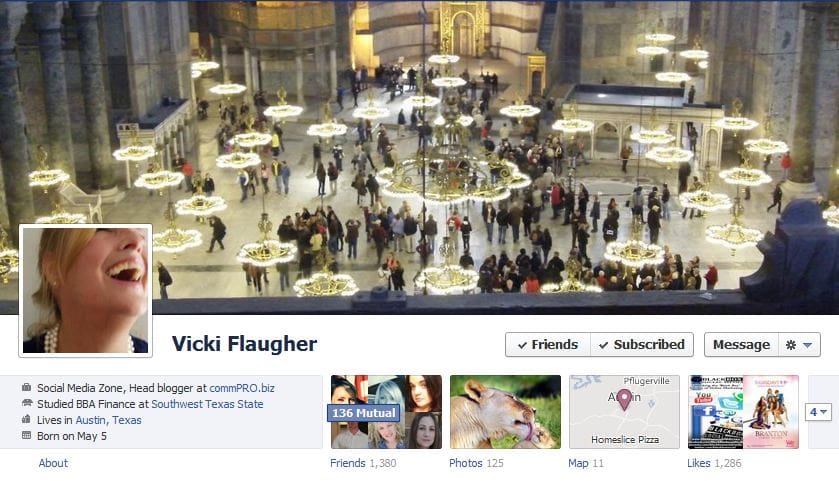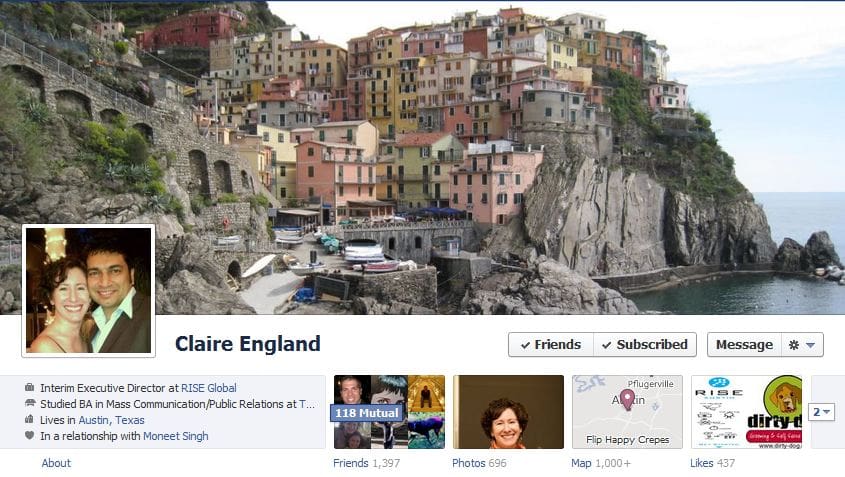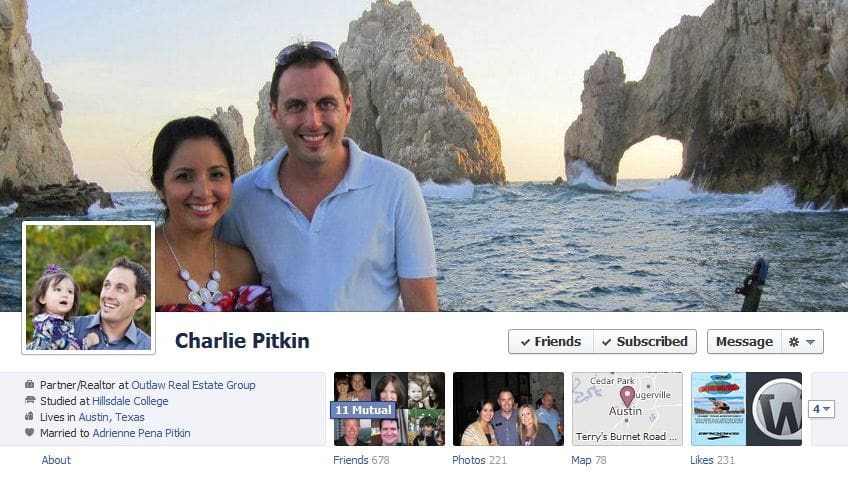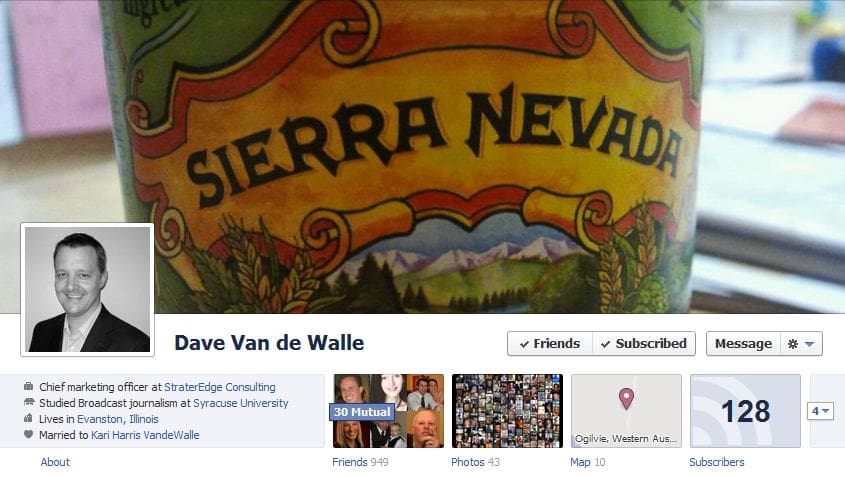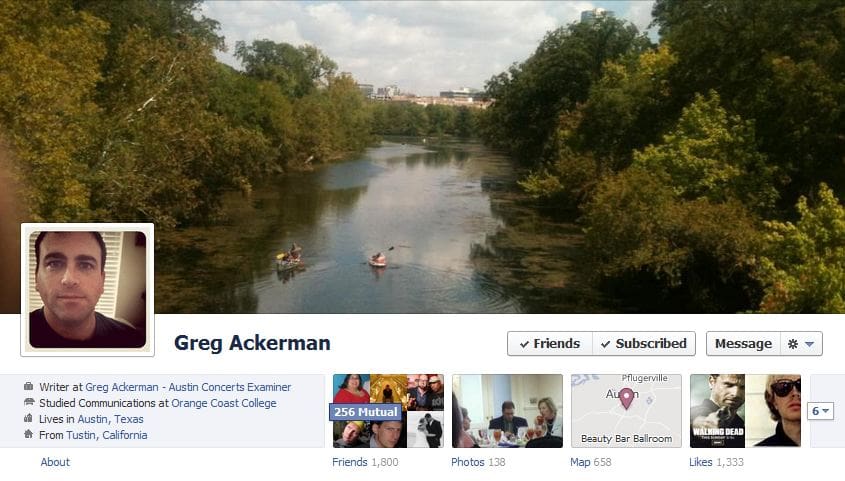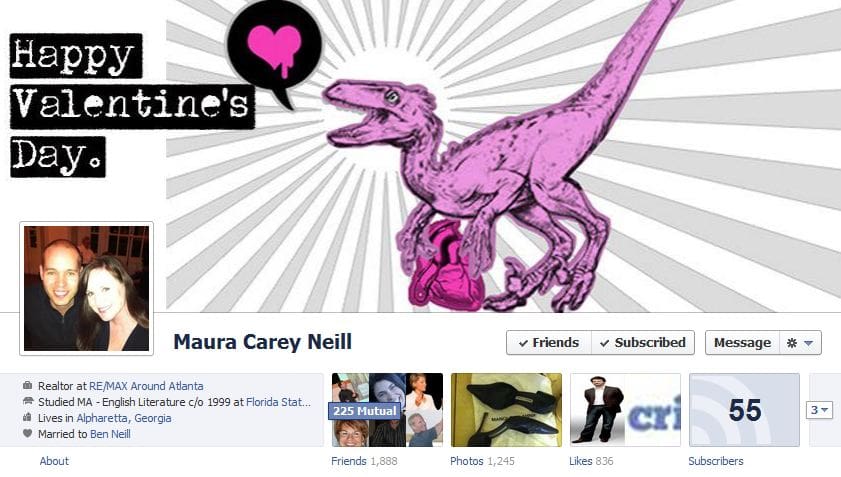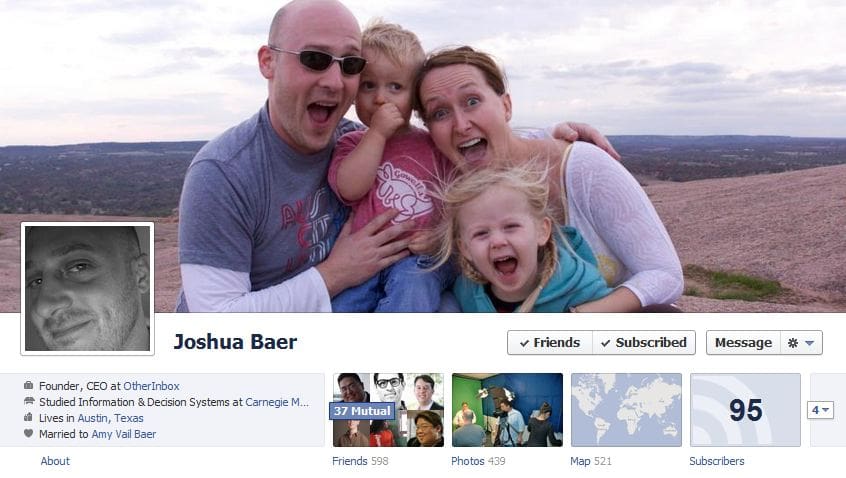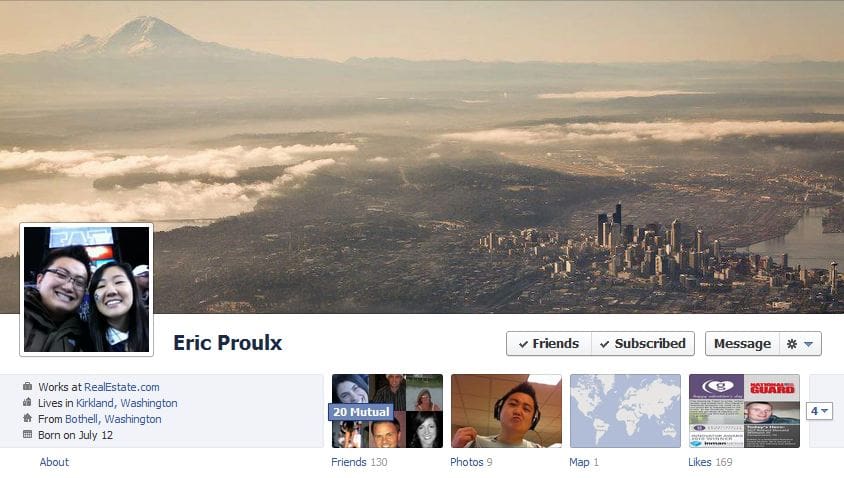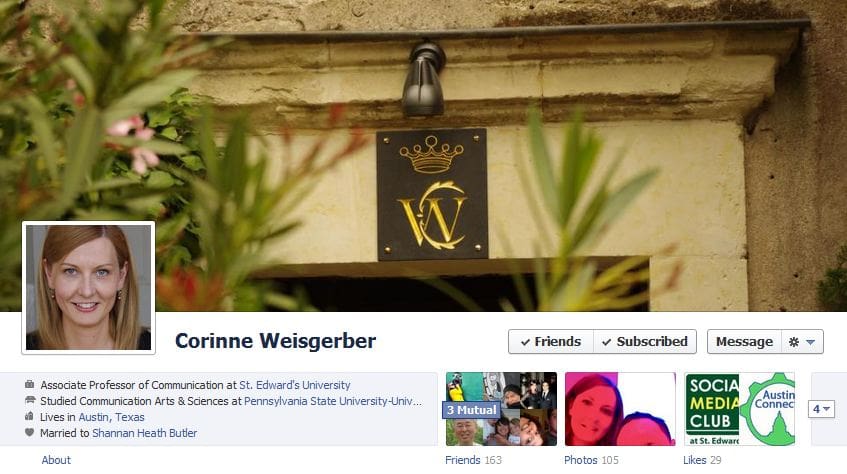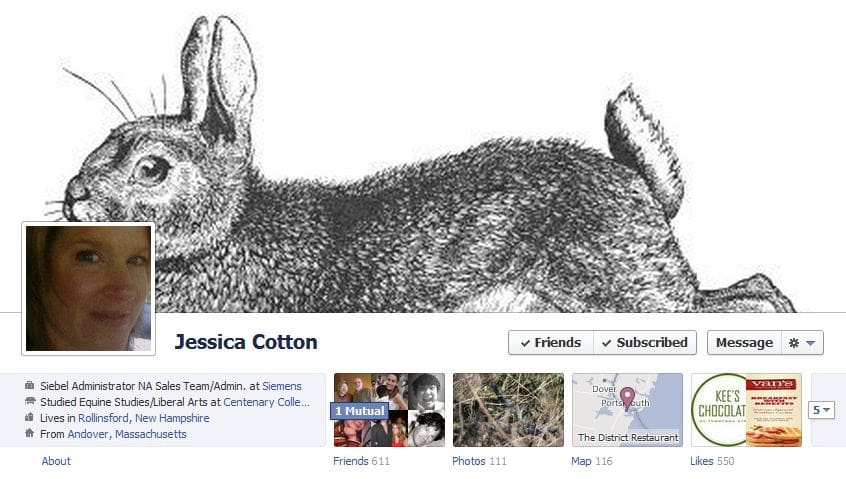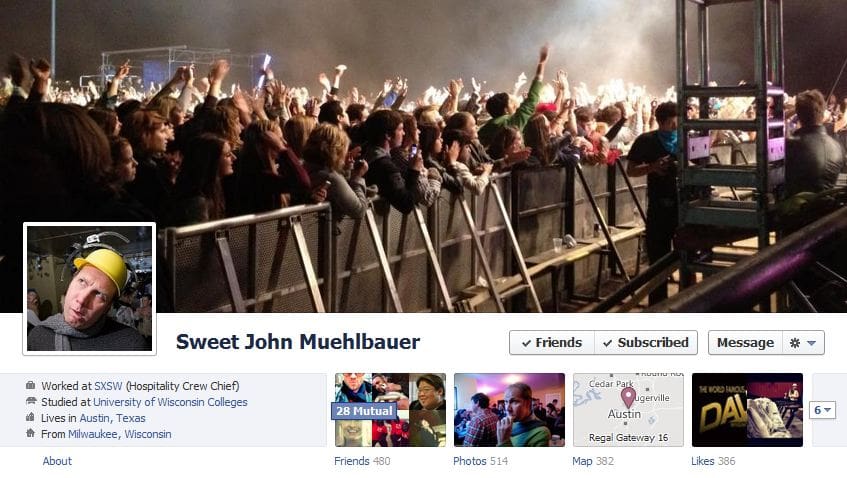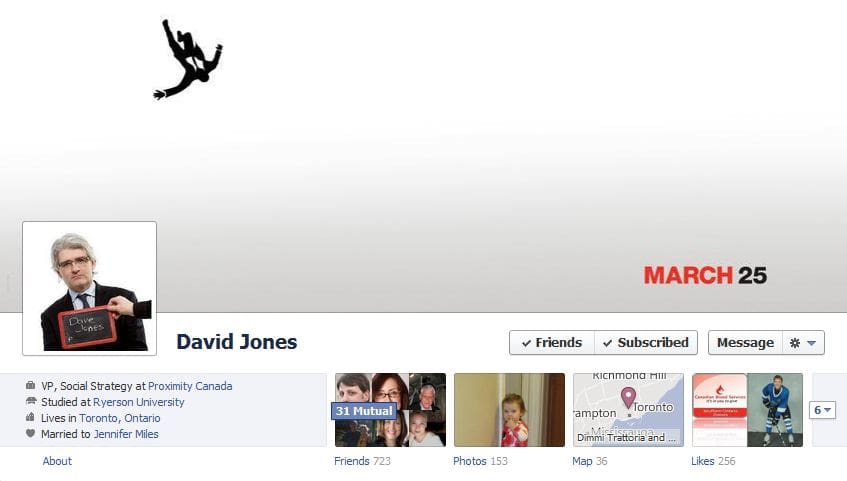
Facebook Timeline Cover Photos – tips
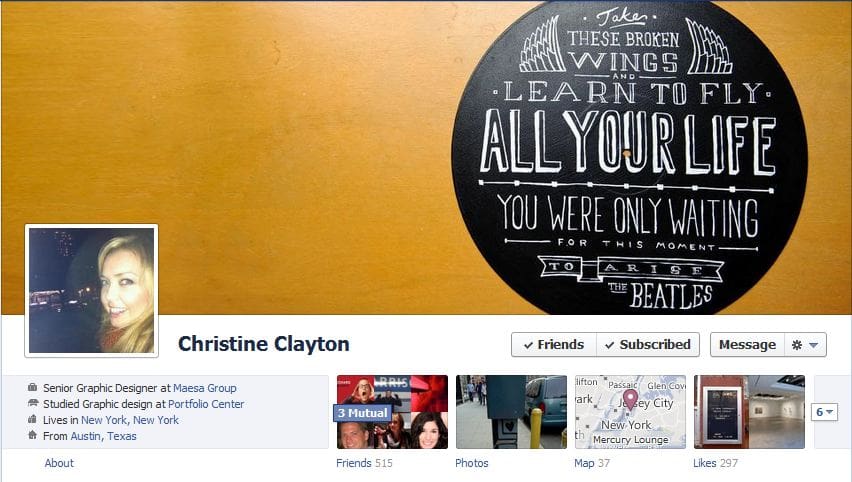
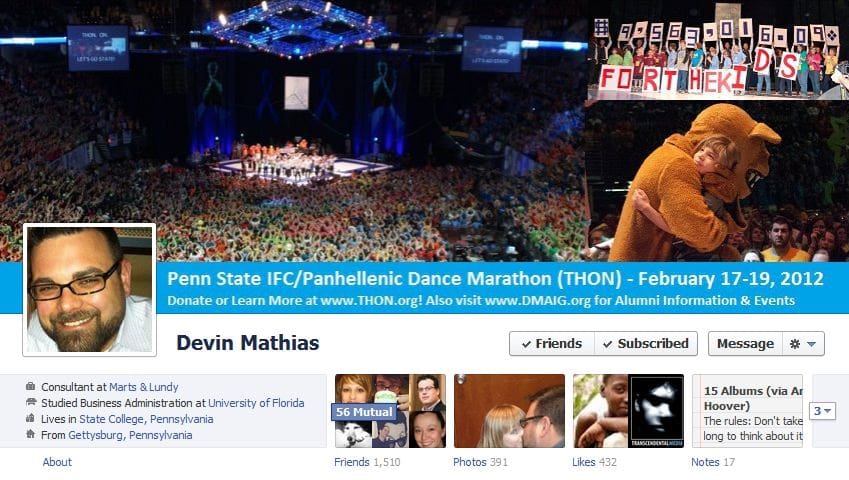
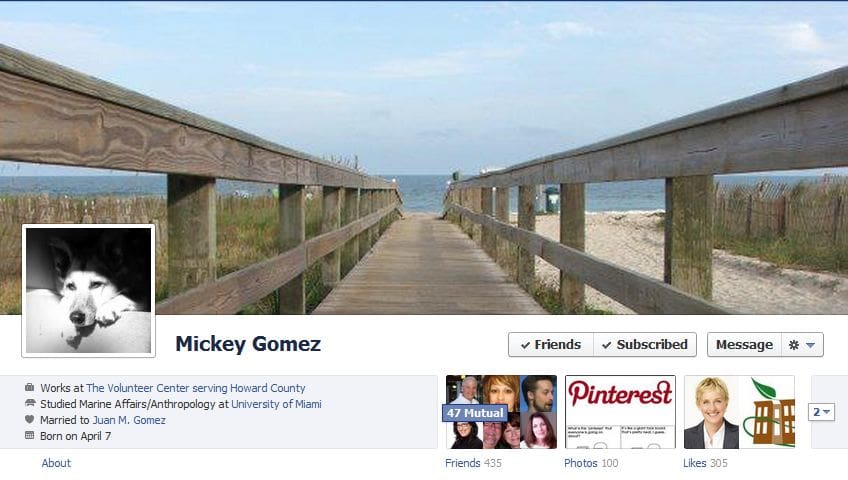
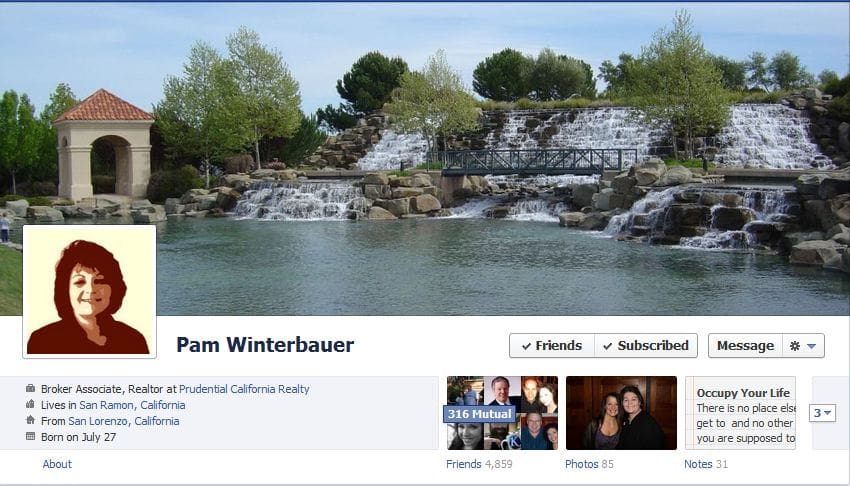
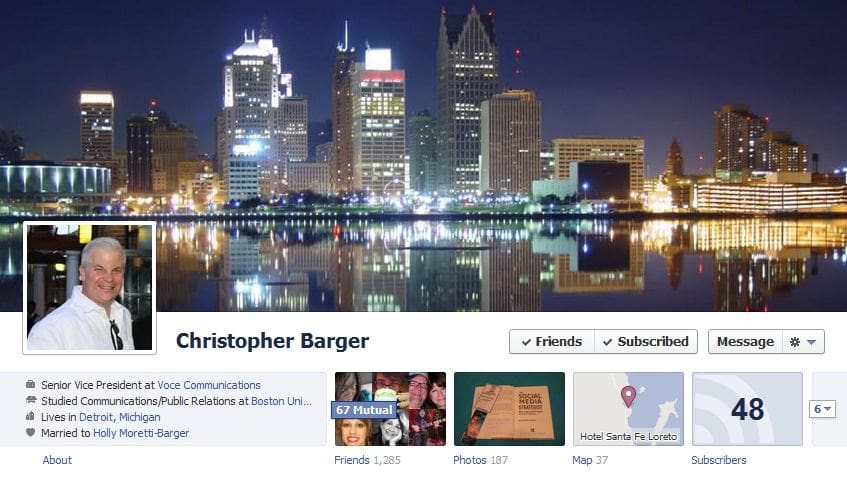
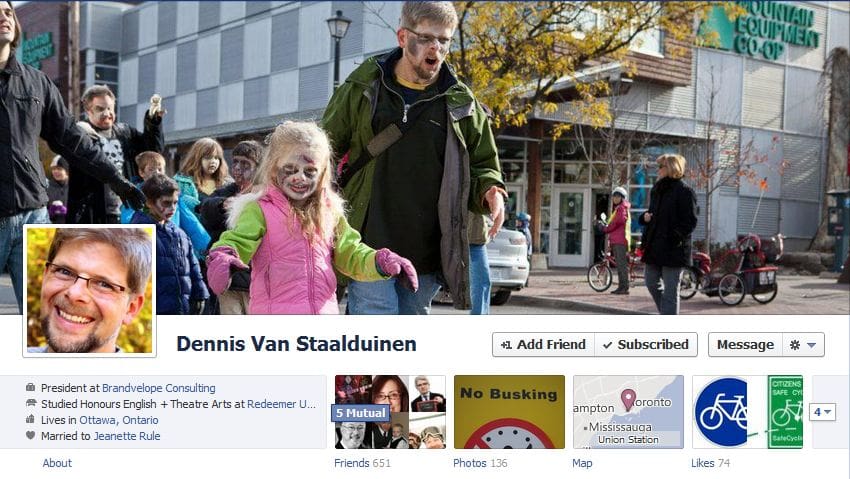
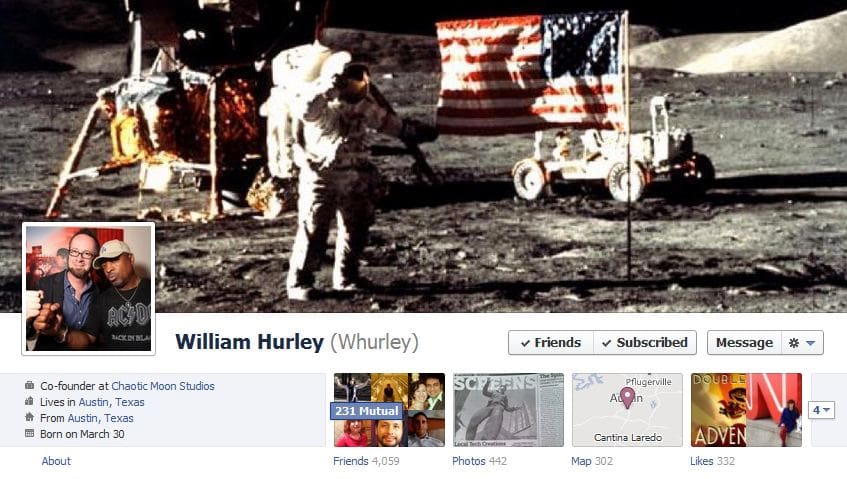
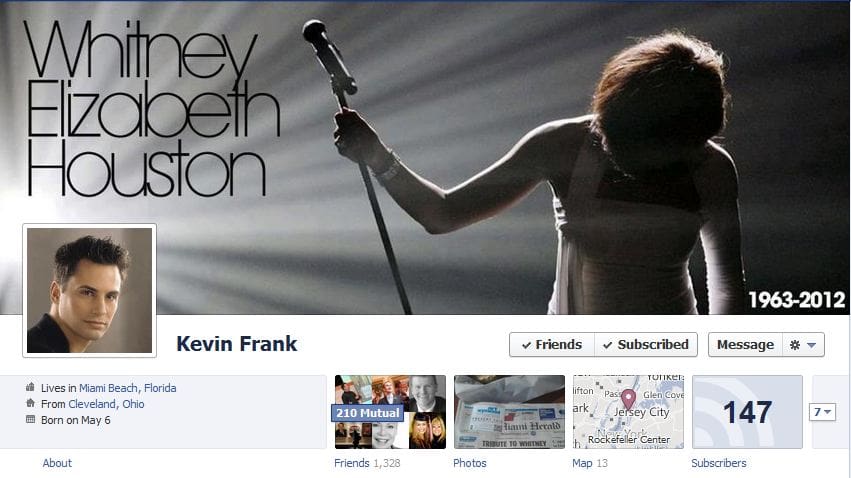
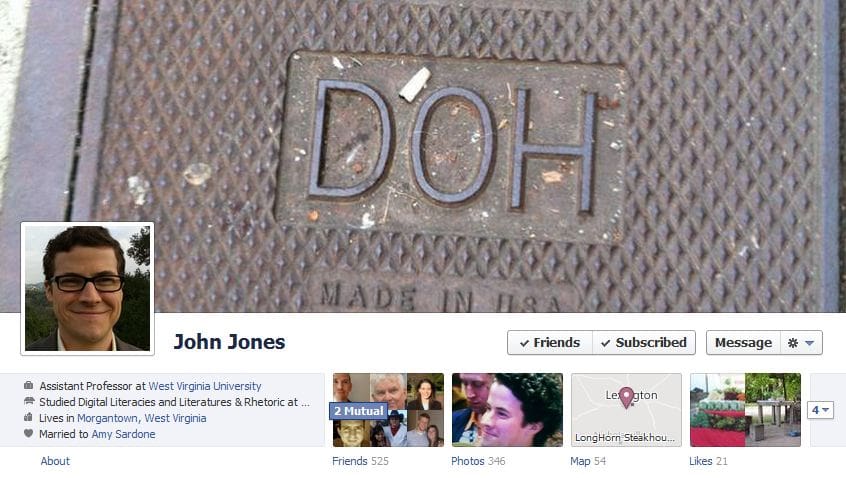
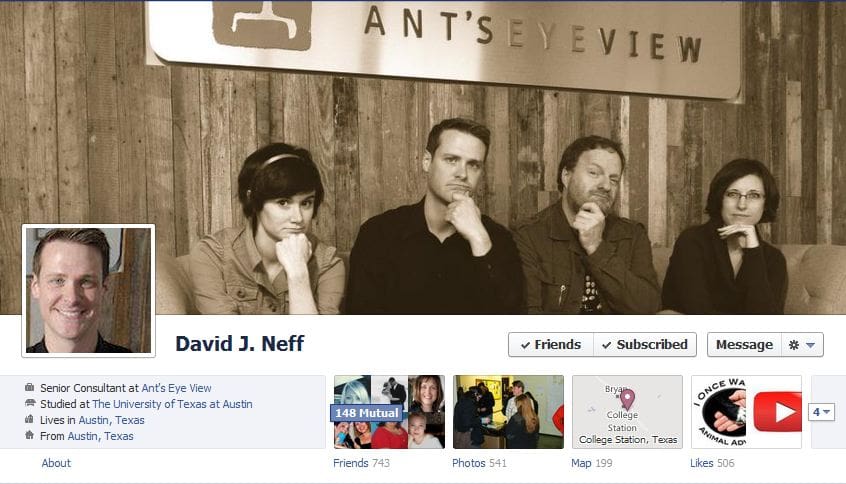
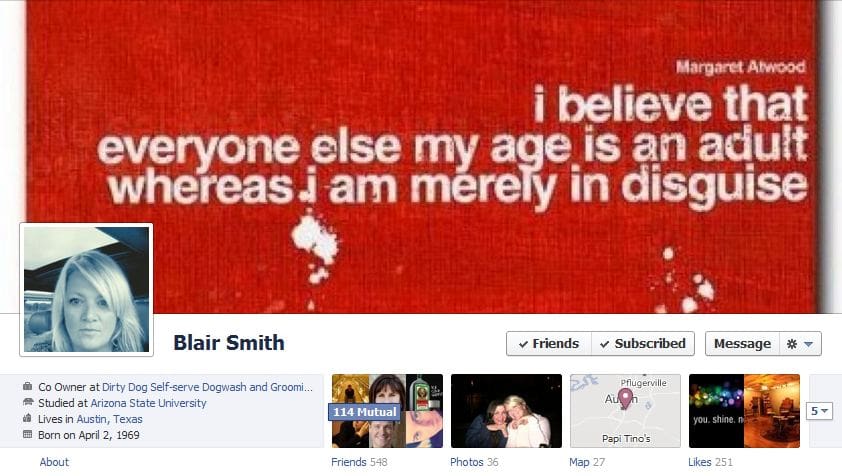
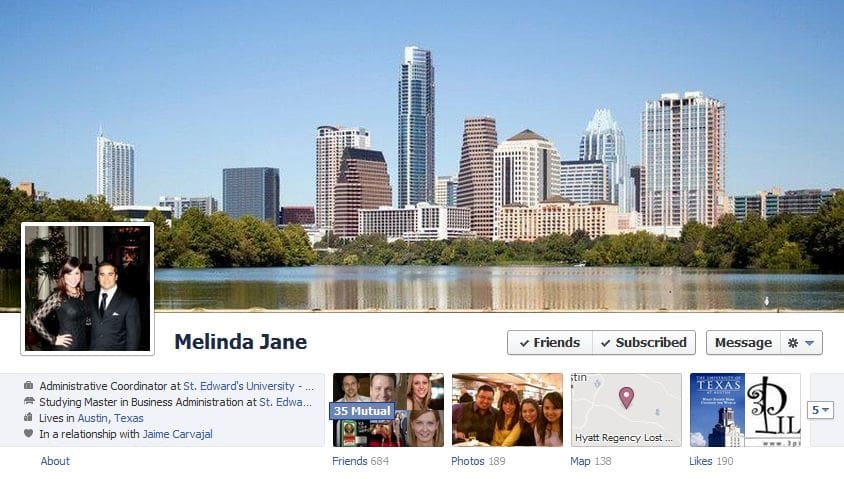
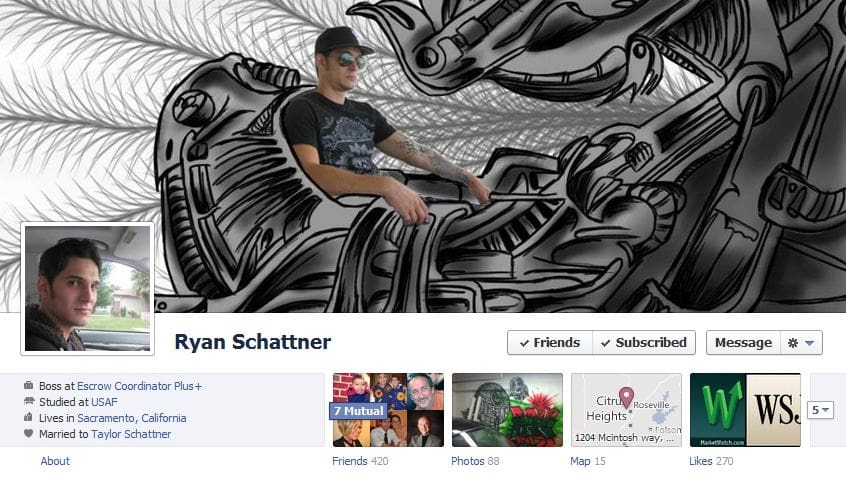
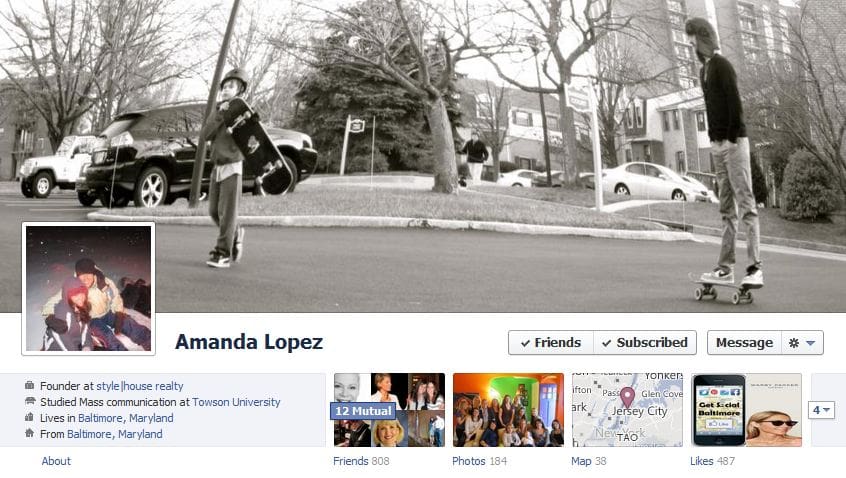
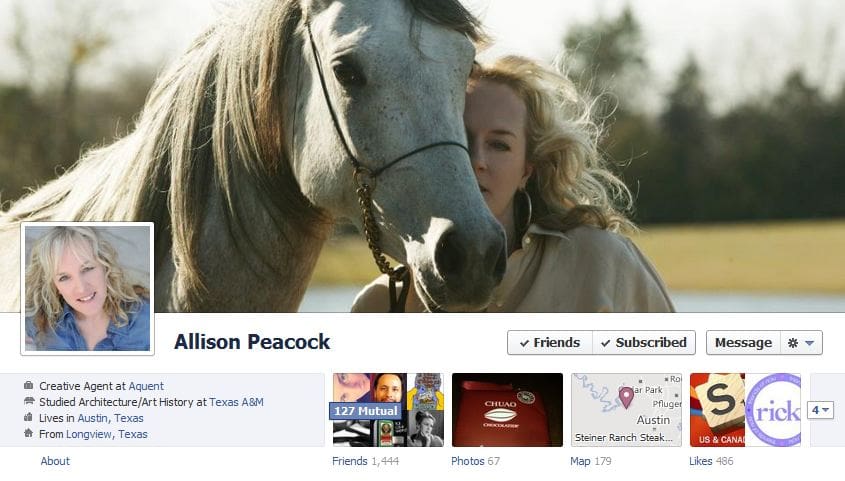
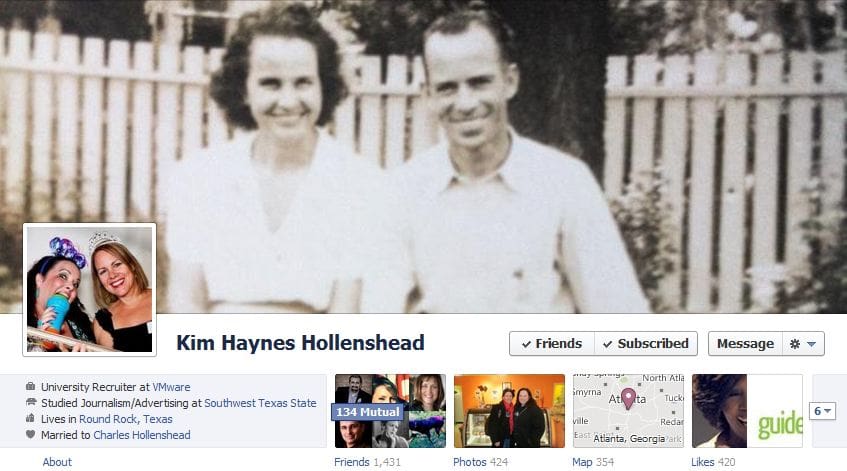
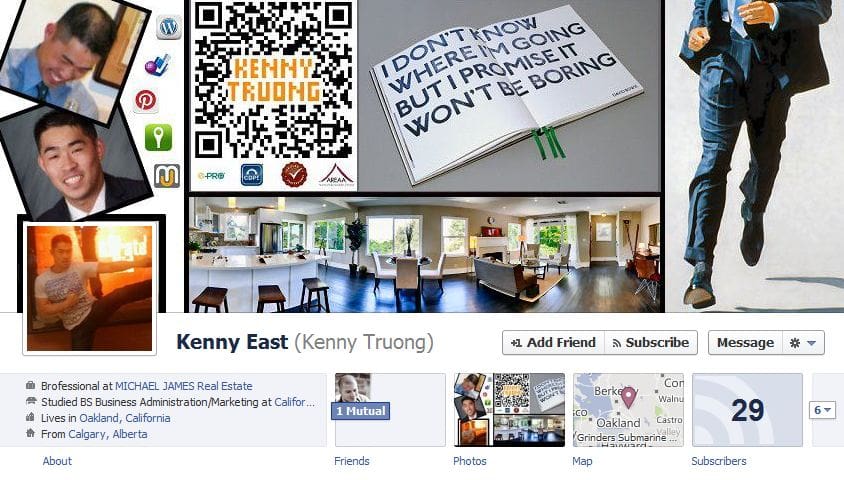
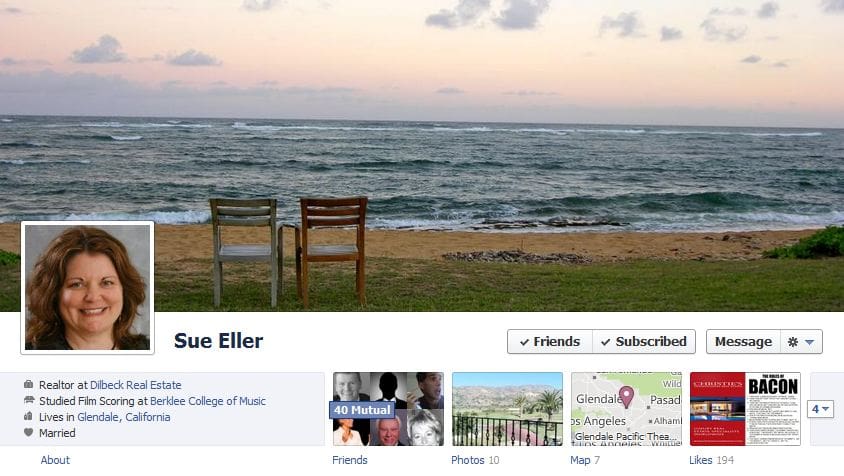
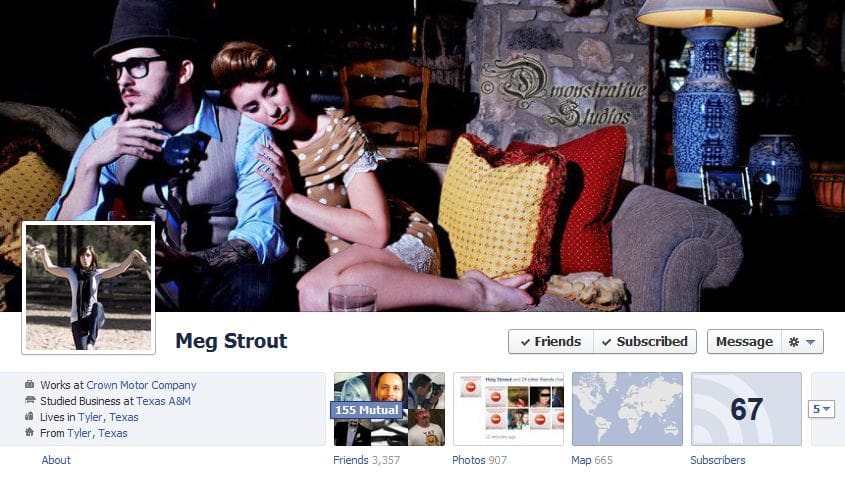
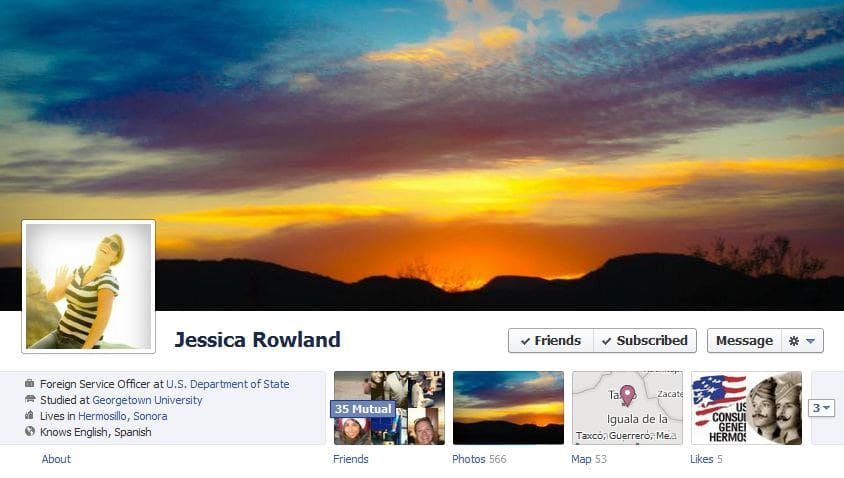
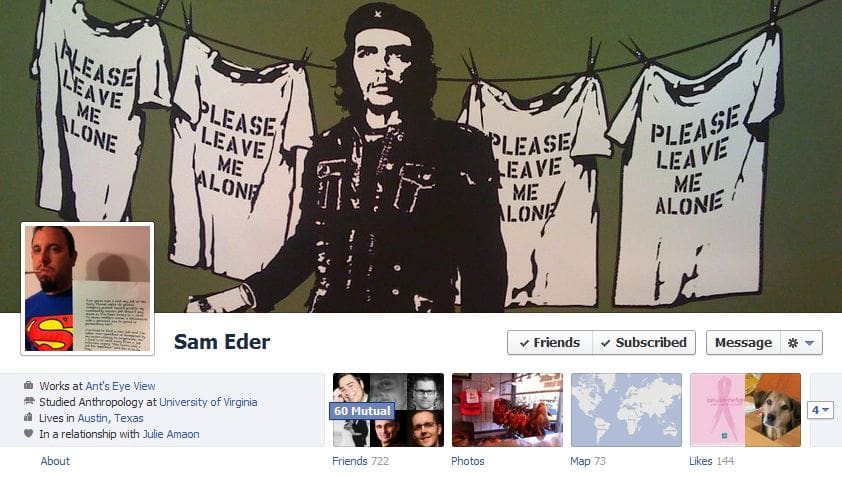
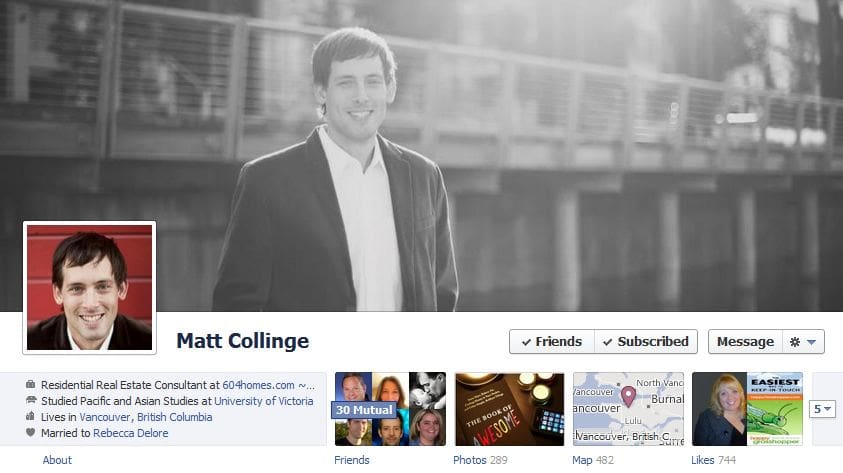
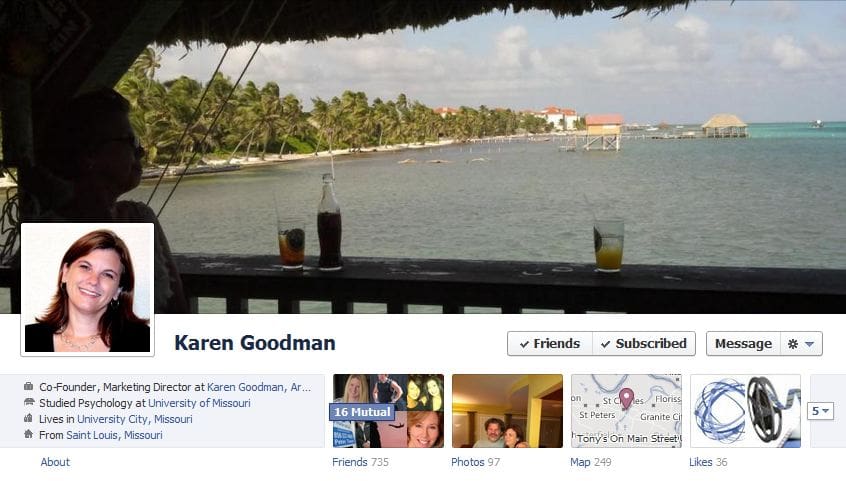
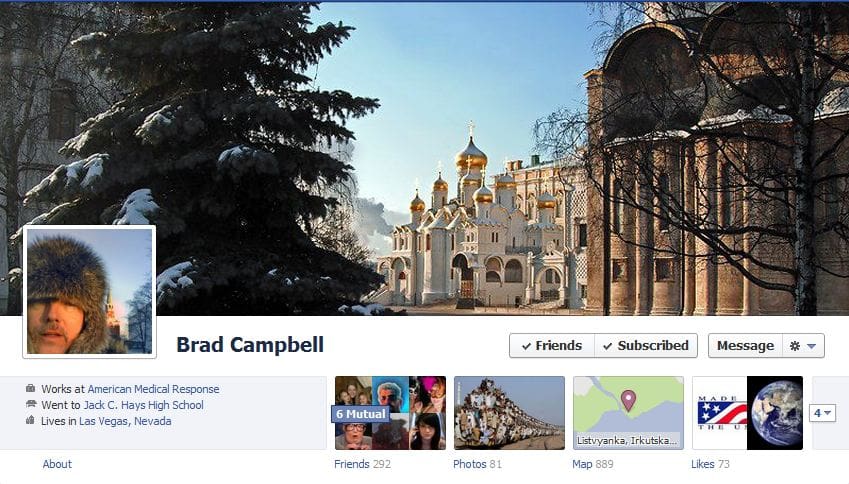
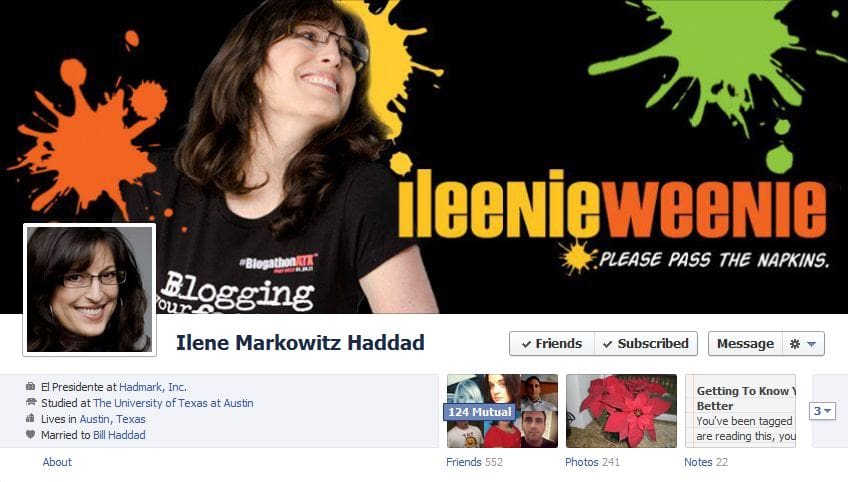
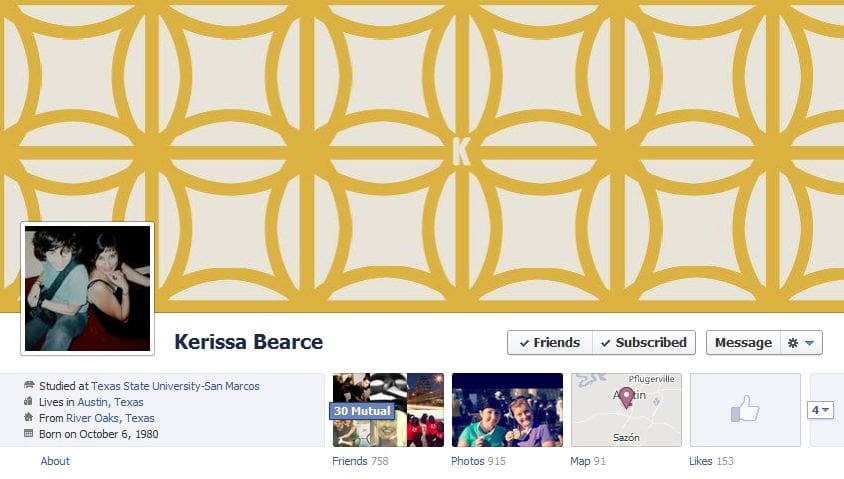
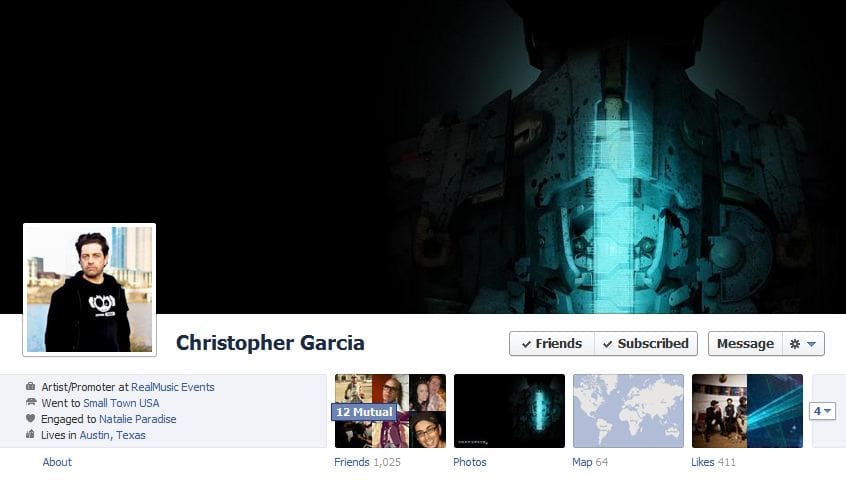
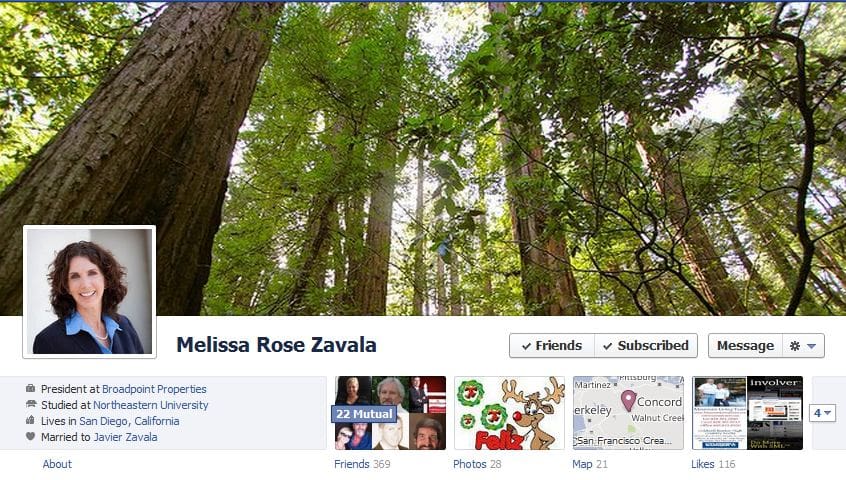
Last fall, before the Facebook Timeline feature went public, AGBeat gave you a sneak preview of 50 Facebook Timeline Covers as examples and shared best practices, and now that the feature will be the default for all users, it is time for the procrastinators to begin thinking about what kind of Cover Photo they will use as the header for their Facebook profile as seen above.
AGBeat offered simple instructions as to how to upload a Cover Photo that is not fuzzy, because Facebook tends to stretch, distort and degrade photos selected as Cover Photos – AGBeat discovered that the ideal photo is a very high resolution image that is 851 pixels wide and 315 pixels tall.
We caution against the obvious: don’t use a photo that doesn’t belong to you or you don’t have rights to, and keep it clean. There are now websites that offer to generate a cover photo, but thousands of others will have the same image as you, so we suggest using your own photo.
So far, most early adopters aren’t using it as a professional billboard with tacky ads all over it, but that’s sure to come, so we hope our readers will keep it minimal and respectable and avoid hitting consumers over the head. Facebook timeline cover photos are a cross between Myspace and Twitter backgrounds, but limited and much more streamlined and less gaudy. The new features are attractive to users and it is our hope that Facebook doesn’t allow full customization, lest it become Myspace.
50 more examples:
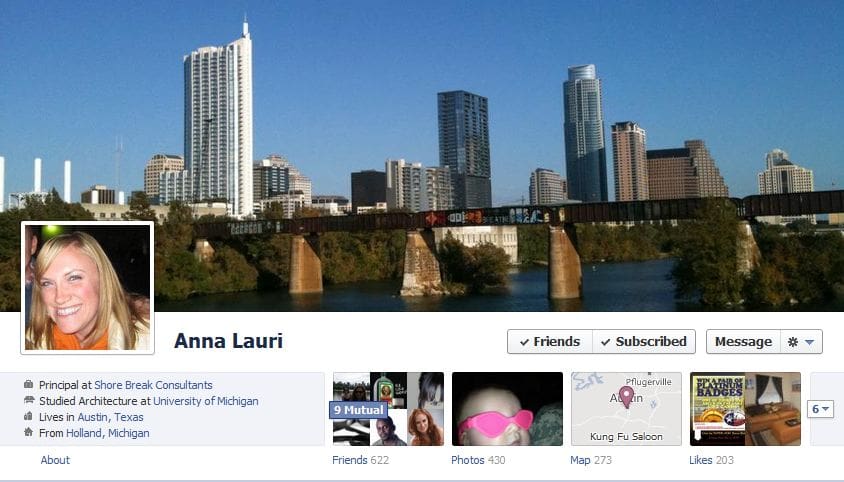
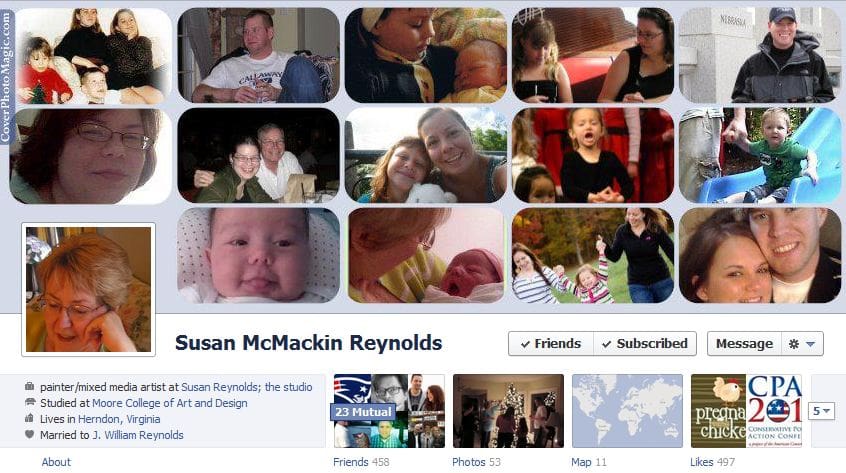
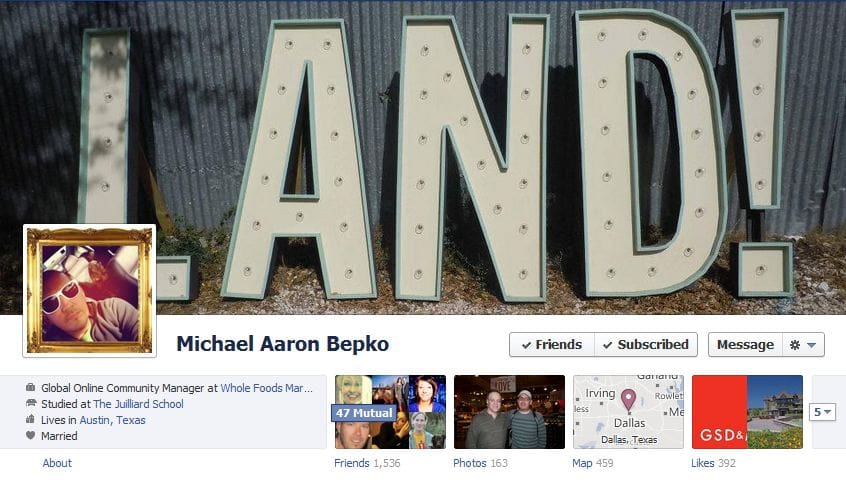
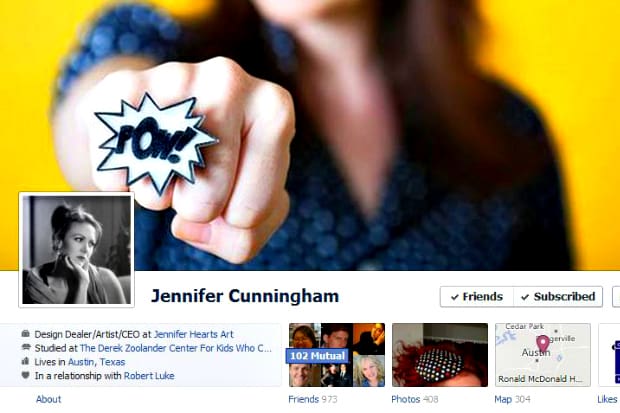
The 50 examples below are all very different with some featuring family, others their city, their work or something they are interested in, even a celebrity in one case. Each one showcases these individuals’ personalities. We suggest playing with the feature, and changing out your picture from time to time – take a look below for inspiration (especially clever Cover Photos like Josh Nekrep’s):