


Pinterest trick
We introduced you to Pinterest last fall, not only showing how the sharing network functions but how it can be used in business, and recently we offered invitations to the private network as well as solid ideas for boards that professionals can create to earn influence on Pinterest, we have also named the company one of the 60 Genius Brands to watch in 2012, so we are closely watching the growth explosion right before our eyes. In recent weeks, we have suggested 30 improvements, then another 12 tweaks that the visual bookmarking site could make.
Today, we want to help you address one of our major annoyances with Pinterest in that users cannot pin photos from Facebook to their Pinterest boards which can be very frustrating. Pinterest is doing the right thing by not allowing any content to leak out of a private social network, but there is a hack that is so simple stupid that anyone can pin photos from Facebook on to their Pinterest boards. Right now, when you use your Pinterest bookmarklet or browser extension to pin something from Facebook, this is what you will see:
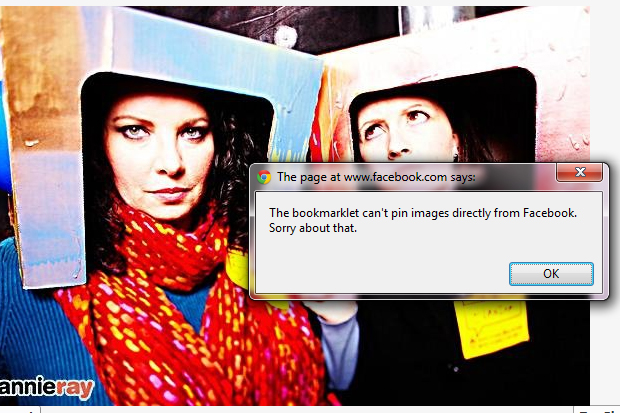
Trick: pin a Facebook photo
First, find a photo on Facebook that you can’t live without sharing on Pinterest. We recommend you only pin photos you took yourself, have uploaded yourself, and have legal rights to, just to be safe and fair.
Once you have selected the specific picture in Facebook, right click on the image (or control + click on a Mac) and in the drop down menu that appears, select “Open image in new tab” as shown below:

It will open the image in a tab all on it’s own, and try to pin from there – it works!
Below is proof, click to see it live:

Get an invitation and join us on Pinterest
If you aren’t on Pinterest yet, tell us in the comments what email address you would like us to send an invitation to, and for those already on Pinterest, join us by clicking below!


